Muting the individual midi song sounds – KORG PA4X 76 User Manual
Page 316
312| Customizing, recording and editing the Songs
Muting the individual MIDI Song Sounds
As you can do with the Keyboard Sounds, you can mute/unmute the indi-
vidual MIDI Song Sounds. Mute the Song track that you will want to play or
sing live (the melody track in a MIDI Song is usually #04).
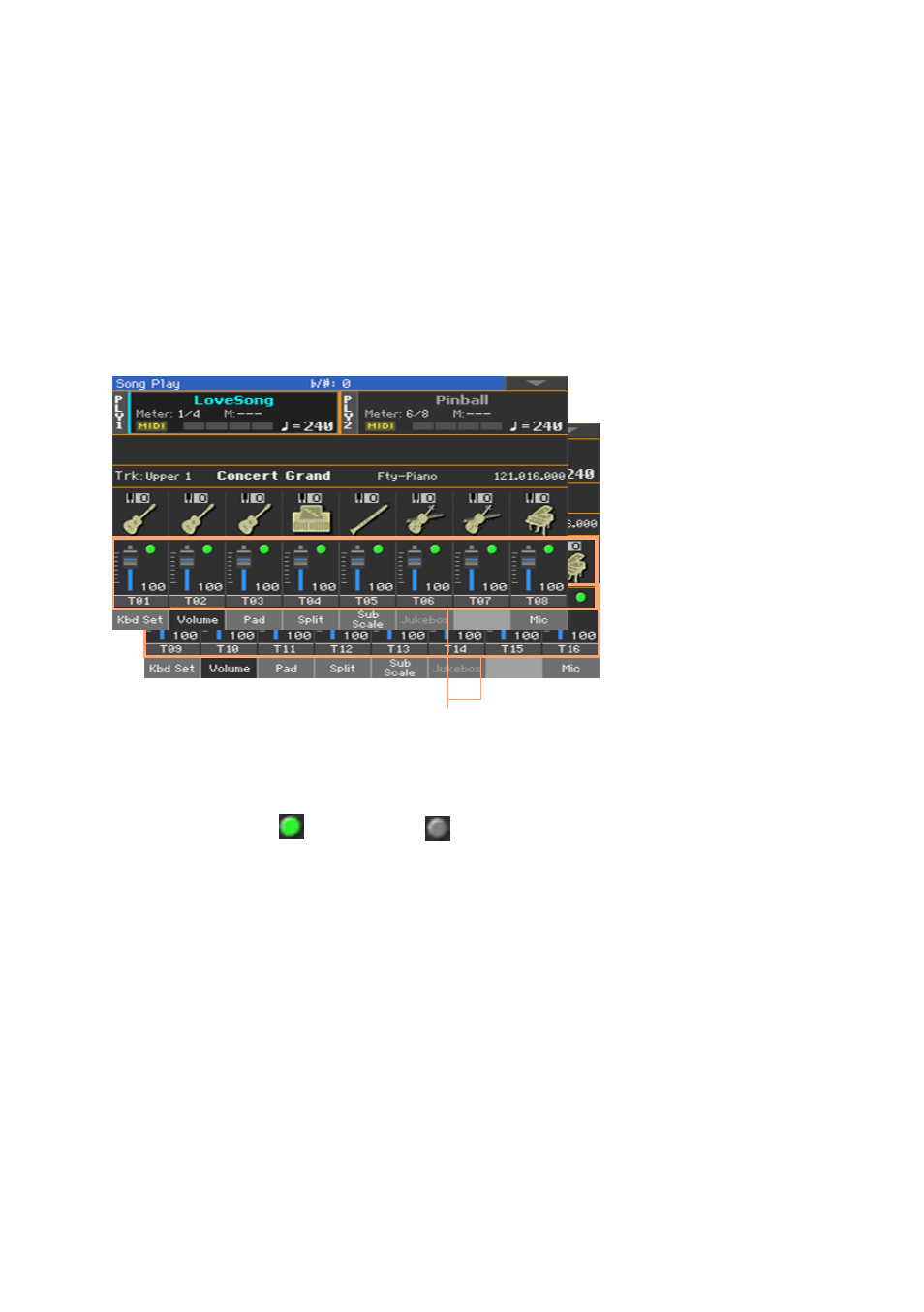
See the Song tracks
▪
While in the
Main
page, touch the
Volume
tab to select the
Volume
pane,
then press the
TRACK SELECT
button a first time to switch to Song tracks
1-8, a second time for Song tracks 9-16.
Song tracks
Mute/unmute the Song tracks
▪
Touch the
Play
(
) or
Mute ( ) icon
in the mixer channel to turn the
Sounds on or off.
Return to the Main page
▪
When done, press the
TRACK SELECT
button again to switch back to the
Main page
and see the Keyboard Sounds.
Memorize the track status
▪
Write the Song Play Settings.