Controlling the lfo – KORG PA4X 76 User Manual
Page 411
Advertising
Editing the Sounds |407
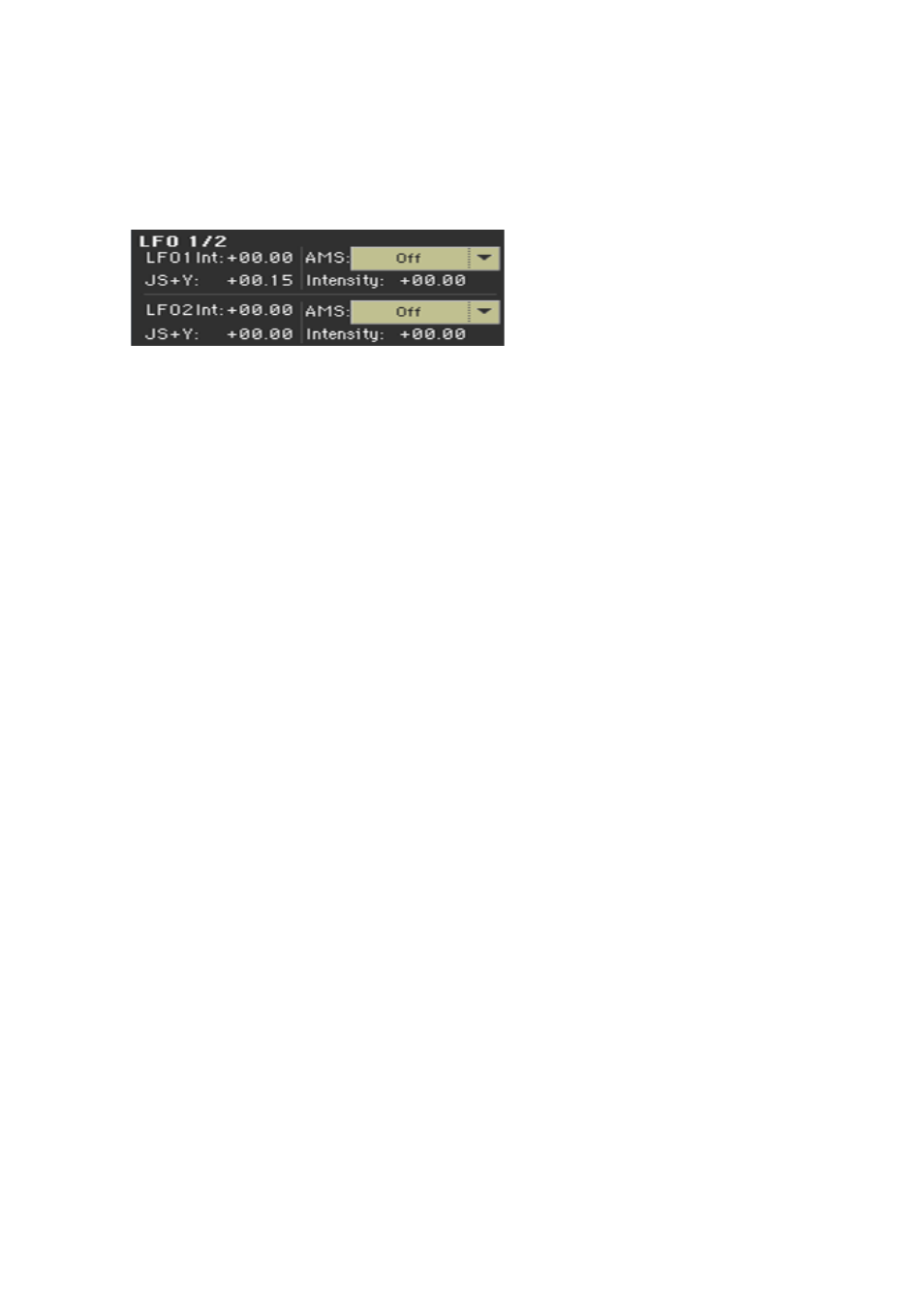
Controlling the LFO
Use the
LFO 1/2
parameters to controls the LFO (Low Frequency Oscillation)
on the selected oscillators. LFO generators are programmed in the
Sound
Edit > LFO > LFO 1
and
LFO 2
pages.
▪
Use the
LFO 1/2 Int
parameter to set the intensity (-12…0…+12) of the cor-
responding LFO. Negative values will invert the LFO shape.
▪
Use the JS+Y parameter to set the intensity (-12…0…+12) of the correspond-
ing LFO when the joystick is pushed forward. Negative values will invert the
LFO shape.
▪
Use the
AMS
and
Intensity
parameters to choose an AMS to modulate the
corresponding LFO, and the intensity of the modulation.
Advertising
This manual is related to the following products: