Alarm tab – H3C Technologies H3C Intelligent Management Center User Manual
Page 83
69
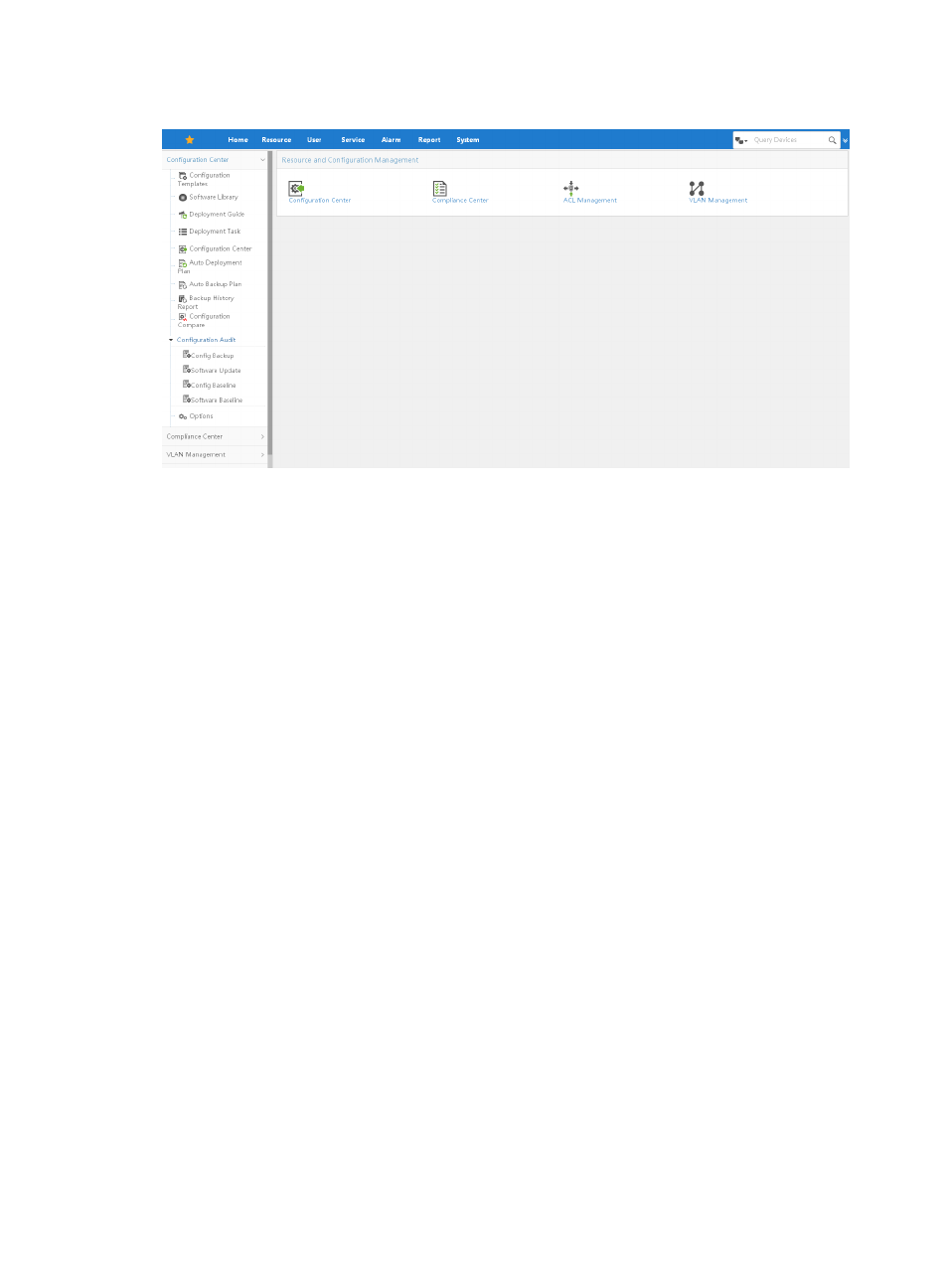
Figure 31 Service tab
The Service page serves as a portal for you to access all of the service modules that together constitute
the IMC system. This includes modules for the base IMC system:
•
Security Control Center
•
Configuration Center
•
ACL Management
•
VLAN Management
For more information about using the services listed above, refer to the sections of this manual that
correspond with these modules.
The Service page also serves as a portal for add-on modules that support you in managing and
maintaining more functions of network infrastructure management including:
•
User Access Manager
•
EAD Security Policy Manager
•
Desktop Asset Manager
•
Wireless Service Manager
•
Voice Service Manager
•
MPLS TE Manager
•
MPLS VPN Manager
•
L2VPN Manager
•
Traffic Analysis and Audit
Icons for the aforementioned service modules appear under the Service tab after a successful installation
of each module has been completed.
For more information about these modules and their use, please refer to the user guides for the
corresponding service module.
Alarm tab
The real time event or fault management features of IMC can be accessed by clicking the Alarm tab,
shown in
, of the tabular navigation system.