Exposure compensation – LEICA Q3 Digital Camera User Manual
Page 119
PHOTOGRAPHY ▸ EXPOSURE
119
EXPOSURE COMPENSATION
Exposure meters are calibrated for a medium gray scale value,
which matches a standard, i.e. average image object. Should the
measured image detail not fulfill that requirement, then the a rele-
vant exposure compensation can be effected.
Specifically where several shots are taken in sequence, for example
if for a series a slightly lesser or greater exposure is desired for a
particular reason, then exposure compensation can be a very useful
function: Unlike with exposure lock, the setting remains active until
it is reset.
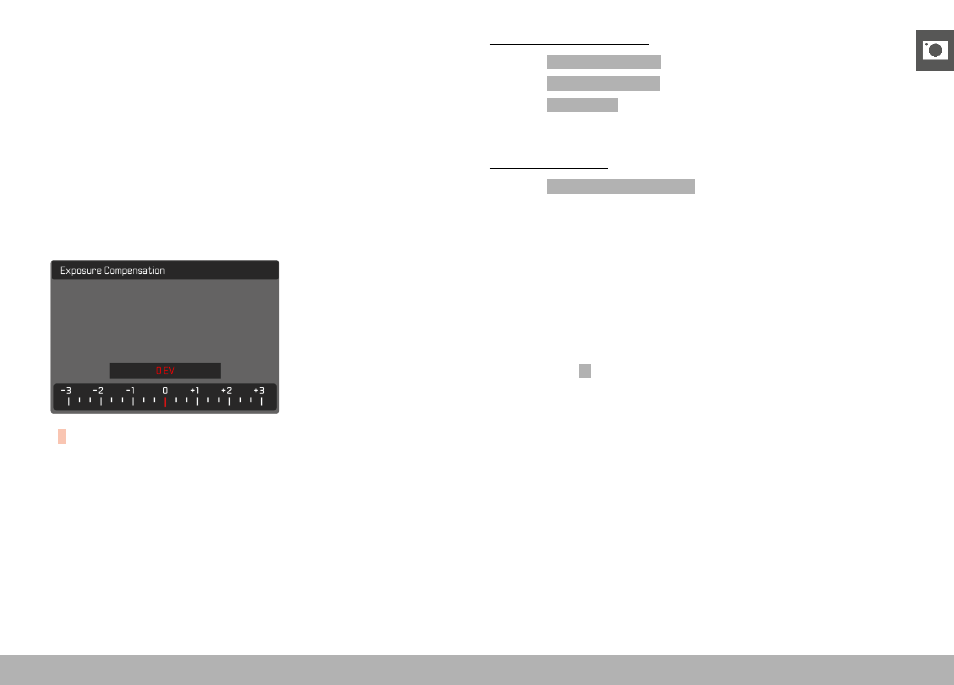
Exposure compensation values can be set in the range ±3 EV in
1⁄3 EV increments (EV: Exposure Value).
A
Set compensation value (marks at 0 = Off)
Using thumbwheel control
▸
Select
Customize Control
in the main menu
▸
Select
Wheel Assignment
▸
Select
Exp. Comp.
▸
Set the desired value using the thumbwheel
Using menu control
▸
Select
Exposure Compensation
in the main menu
• A scale appears as a submenu item on the LCD panel.
▸
Set the value on the scale
• The set value is displayed above the scale.
Notes
• While setting the value, you can see the effect on the screen
image, which becomes darker or lighter.
• The following applies for set compensation values, no matter how
they were initially set: They remain effective until they are manu-
ally reset to
0
, even if the camera is switched off and on again in
the meantime.
• The set exposure compensation is indicated by a mark on the
exposure compensation scale in the footer line.