Selecting/scrolling through images – LEICA Q3 Digital Camera User Manual
Page 141
Advertising
REVIEW MODE ▸ SELECTING/SCROLLING THROUGH IMAGES
141
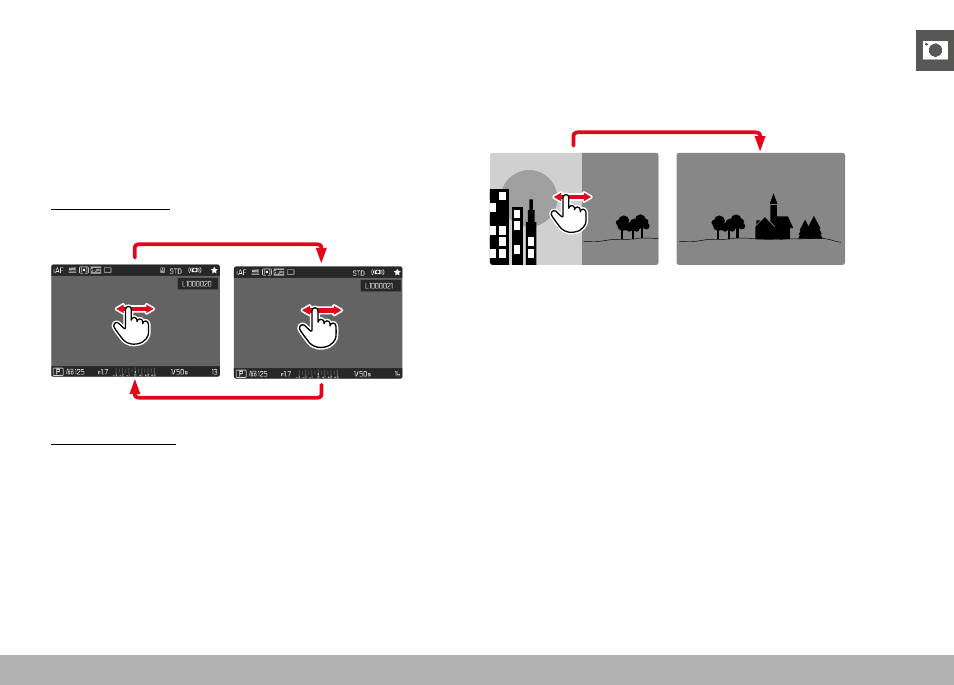
SELECTING/SCROLLING THROUGH IMAGES
The images are visually arranged in a horizontal reel. The sorting
will be strictly chronological. When the end of an image series is
reached, the display automatically jumps back to the first image in
the series. All images can therefore be reached by scrolling either
right or left.
SINGLE
Using touch control
▸
Swipe to the left or right
Using button control
▸
Press the directional pad left/right
CONTINUOUS
▸
Swipe to the left or right and hold the finger on the edge of the
screen
• The subsequent shots will move past continuously.
Advertising