Info displays in playback mode – LEICA Q3 Digital Camera User Manual
Page 211
Advertising
PLAYBACK MODE ▸ INFO DISPLAYS IN PLAYBACK MODE
211
CONTINUOUS
▸
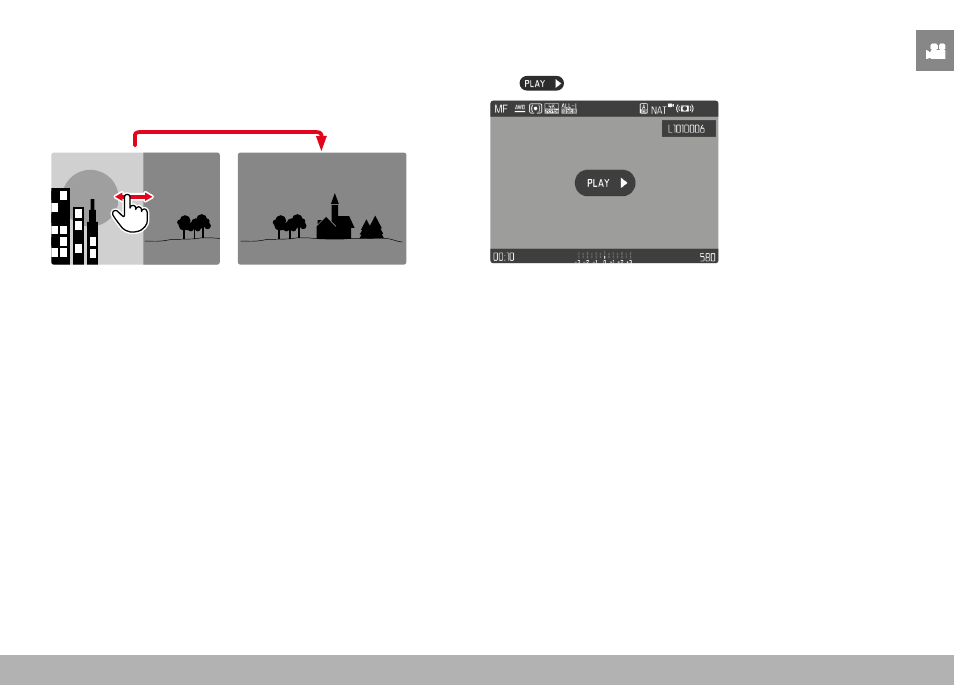
Swipe to the left or right and hold the finger on the edge of the
screen
• The subsequent shots will move past continuously.
INFO DISPLAYS IN PLAYBACK MODE
Video recordings are always rendered with header and footer and
with
on screen. No other auxiliary displays will appear.
All information is hidden during the playback of a video recording.
Advertising