LEICA Q3 Digital Camera User Manual
Page 126
PHOTOGRAPHY ▸ SPECIAL SHOOTING MODES
126
EFFECT ON THE RESULTING IMAGES
The Digital Zoom will have differing effects on the resulting files,
depending on the selected file format.
DNG IMAGES
DNG files are always saved unchanged (at full size). The relevant
information is written to the meta data. The images appear cropped
when they are opened in an image editing software, but can be re-
set to their full size. That will allow a later editing of the full image.
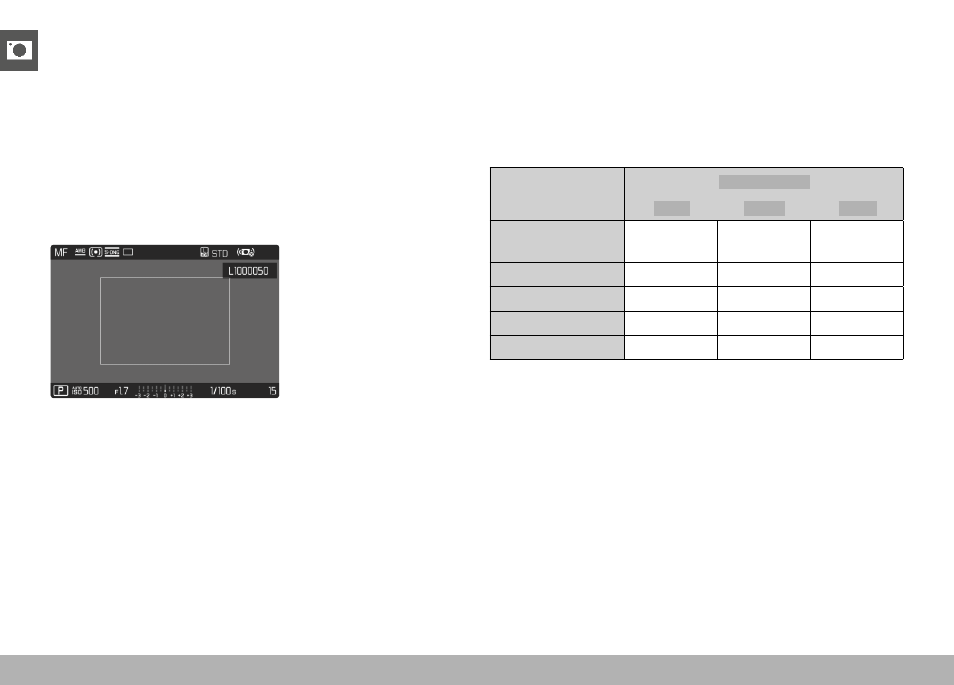
In Review mode, the entire picture is shown in the camera, and a
frame marks the image section captured with Digital Zoom.
JPG IMAGES
Only an enlarged cropped section will be displayed and stored for
JPG files. The image areas outside the frame are “cropped”. This
operation cannot be reversed.
A higher zoom value means a lower resolution as shown in the
following table. Cropped sections can also be created using editing
software.
Digital Zoom
JPG Resolution
L-JPG
M-JPG
S-JPG
Off
(28 mm)
60 MP
36 MP
18 MP
35 mm
39 MP
23 MP
12 MP
50 mm
19 MP
11 MP
6 MP
75 mm
8 MP
5 MP
3 MP
90 mm
6 MP
4 MP
2 MP
Note
• The stated resolution will always relate to an aspect ratio of 3:2.