Shutter button – LEICA Q3 Digital Camera User Manual
Page 39
CAMERA OPERATION ▸ CONTROL ELEMENTS
39
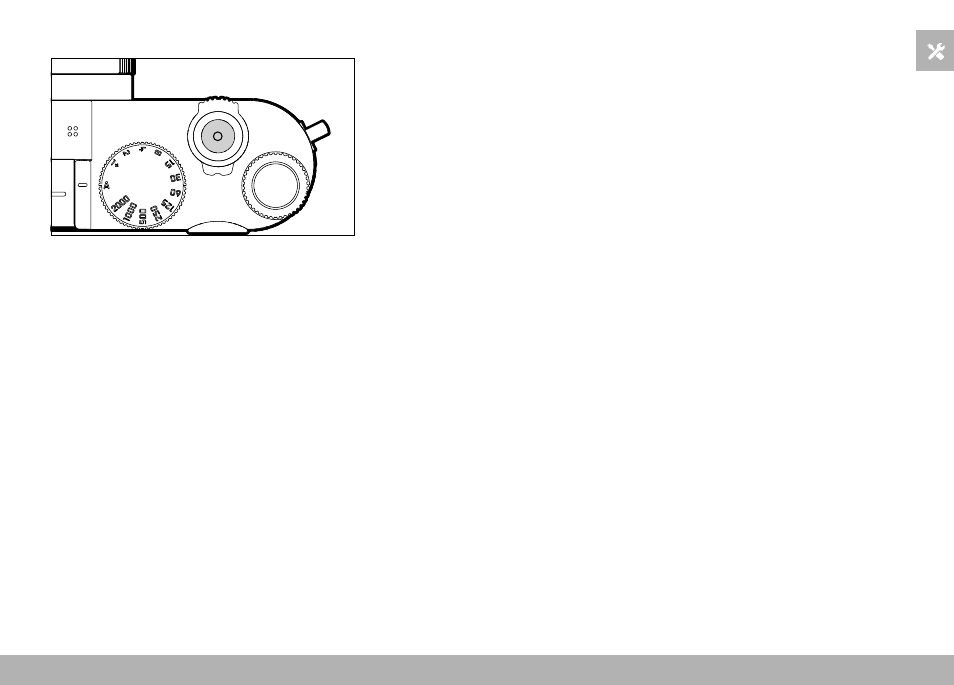
SHUTTER BUTTON
The shutter button works in two stages.
1.
Tapping
(= Pressing the shutter button to the 1st pressure point)
– Activating the camera electronics and displays
– Exposure lock (metering & saving):
– AF mode: range measurement (AF-L)
– (semi) automatic exposure mode: exposure metering (AE-L)
– Canceling a running self-timer delay time
– Return to shooting mode
– from review mode
– from menu control
– from standby mode
2.
Press down fully
– Shutter release
• The data is then transferred to the memory card.
– Starting a video shooting
– Starting a preselected self-timer delay time
– Starting a continuous shooting or interval shooting
Notes
• Press down the shutter button in a smooth motion until you hear
the click of the shutter to prevent camera shake.
• The shutter button remains locked:
– if the memory card inserted and/or the internal buffer memory
are (temporarily) full
– if the battery has exceeded its performance limits (capacity,
temperature, age)
– if the memory card is write-protected or damaged
– if the sensor is too hot