Starting/exiting review mode, Review mode ▸ starting/exiting review mode 140, Using touch control ▸ swipe up or down – LEICA Q3 Digital Camera User Manual
Page 140: Review shooting using button control ▸ press the
Advertising
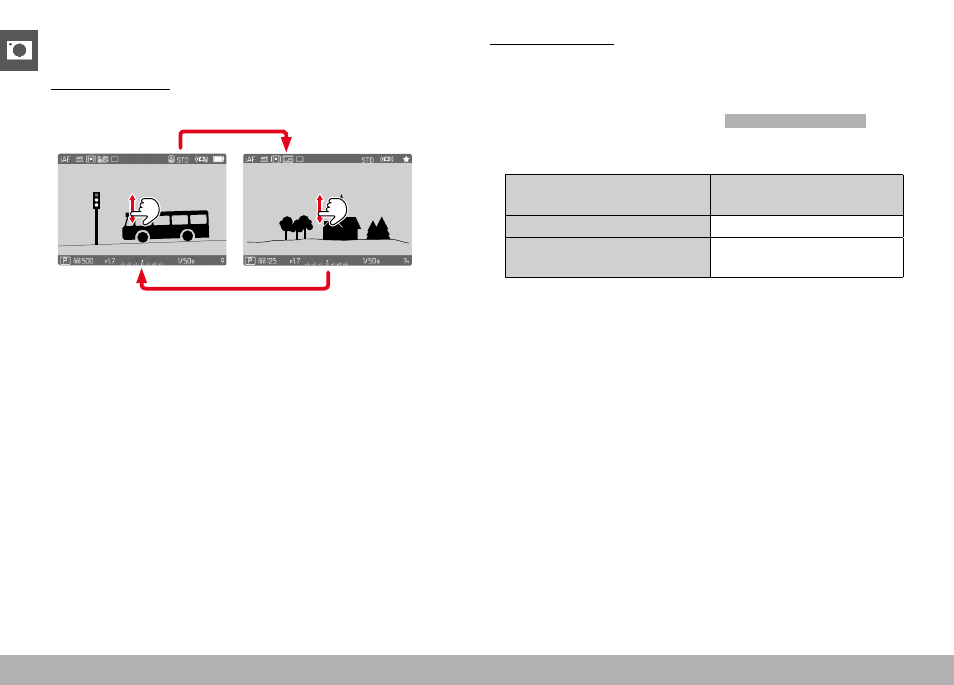
REVIEW MODE ▸ STARTING/EXITING REVIEW MODE
140
STARTING/EXITING REVIEW MODE
Using touch control
▸
Swipe up or down
INFO
1/8000
2.8
F
12500
ISO
EV
A
-3 2
1 0
2
1
3+
8234
12
MP
Review
Shooting
Using button control
▸
Press the
PLAY
button
• The last captured image appears on the screen.
• The following message appears if the inserted memory card
does not contain any image data:
No valid picture to play
.
• The
PLAY
button function differs, depending on the current
camera setting:
Initial situation
After pressing the
PLAY
button
Full screen display of an image Shooting mode
Display of an enlarged cropped
section/or several thumbnails
Full screen display of the
image
Advertising