Picture series review – LEICA Q3 Digital Camera User Manual
Page 143
REVIEW MODE ▸ PICTURE SERIES REVIEW
143
PICTURE SERIES REVIEW
Serial and interval shootings often produce a large number of indi-
vidual images. It would be very difficult to find other pictures that
are not part of a series if every image of all these series was dis-
played individually. Organizing the images in groups creates more
clarity in review mode.
Factory setting:
Off
▸
Select
Play Mode Setup
in the main menu
▸
Select
Group display mode
▸
Select
On
/
Off
All images in all series are displayed individually if
Off
is selected.
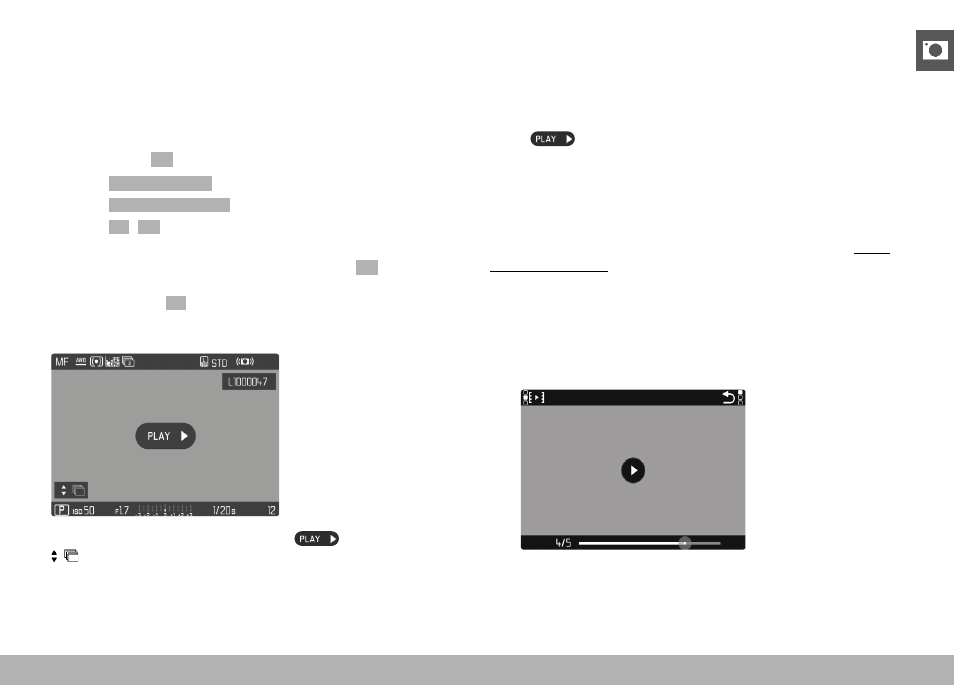
The images are grouped in series and only one representative image
will be displayed if
On
is selected. Only that one representative im-
age will be displayed and all other images in that series are hidden
during scrolling.
The representative image is shown with
in the center and
at the bottom left.
There are two options for viewing the images in a group: manual
scrolling or automatic playback. Automatic review is the default
setting.
UNINTERRUPTED PLAYBACK OF THE PICTURE SERIES
The images in a group can be played back from start to finish with-
out interruption. This may be very helpful to get a better idea of the
processes or conditions rendered than if the images were scrolled
manually.
▸
Tap
or
▸
Press the center button
• Auto Review commences.
A prompt screen with additional functions can be accessed while
playback is running.
▸
Tap anywhere on the LCD panel
or
▸
Press the center button
• Playback stops, the current picture in the series is displayed.
Various control elements appear on screen.
Note
• The control elements disappear after about 3 s. Touching the
LCD panel or pressing the center button will cause them to be
displayed again.