Start/end video recording – LEICA Q3 Digital Camera User Manual
Page 183
Advertising
RECORDING VIDEO ▸ START/END VIDEO RECORDING
183
Using button control
▸
Press the function button with the function assignment
Photo -
Video
• In the factory setting, that will be the FN Button 2 (
14
).
Note
• The camera switches to the most recently set photo or video
mode.
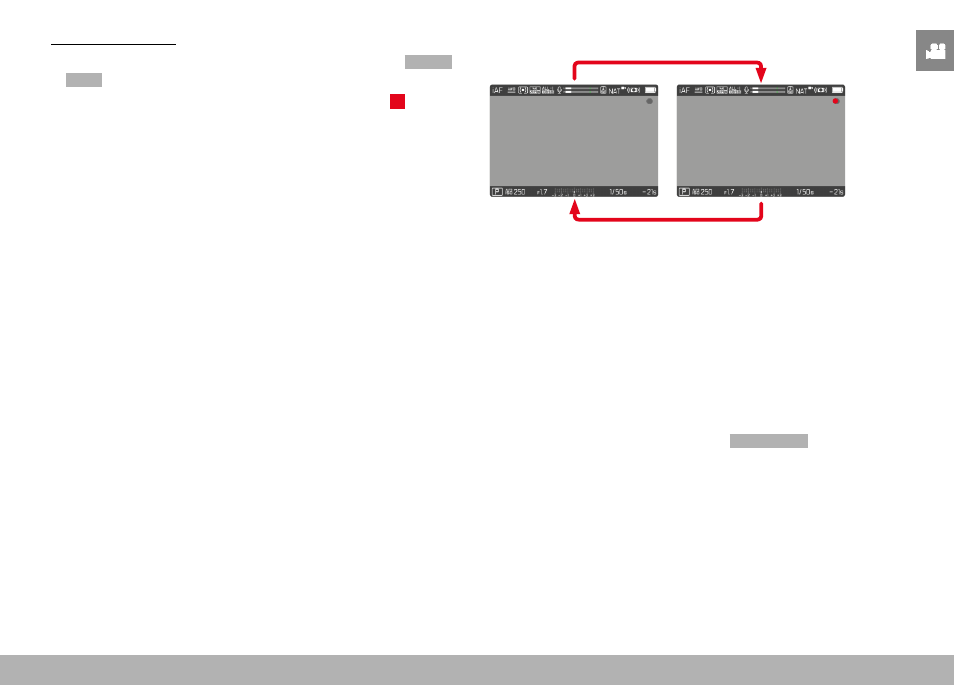
START/END VIDEO RECORDING
▸
Press the shutter button
• Video recording begins.
• The dot flashes red.
• Recording time is running.
• The Status LED flashes.
▸
Press the shutter button again
• Video recording ends.
• The dot lights in gray.
Notes
• Basic video settings (see p. 156) and
Digital Zoom
(see p. 205)
must be configured before recording.
• Access to menu functions (including direct access) is limited
during video recording.
Advertising