Person detection (face detection) – LEICA Q3 Digital Camera User Manual
Page 96
PHOTOGRAPHY ▸ FOCUSING
96
START POSITION FOR TRACKING
Factory setting:
Center
You can specify the starting point for tracking.
Center
Center of the screen
Last Position
Ending position of the most recent tracking
Example:
A car drives thought he picture from left to right.
The picture is taken on the right edge of the
frame. The subsequent measurement is taken at
the right edge of the frame.
Recall
Starting position of the most recent tracking
Example:
A car drives thought he picture from left to right.
The picture is taken on the right edge of the
frame. The subsequent measurement is taken at
the left edge of the frame.
▸
Select
Focusing
in the main menu
▸
Select
AF Tracking Start Position
▸
Select the desired setting
(
Last Position
,
Recall
,
Center
)
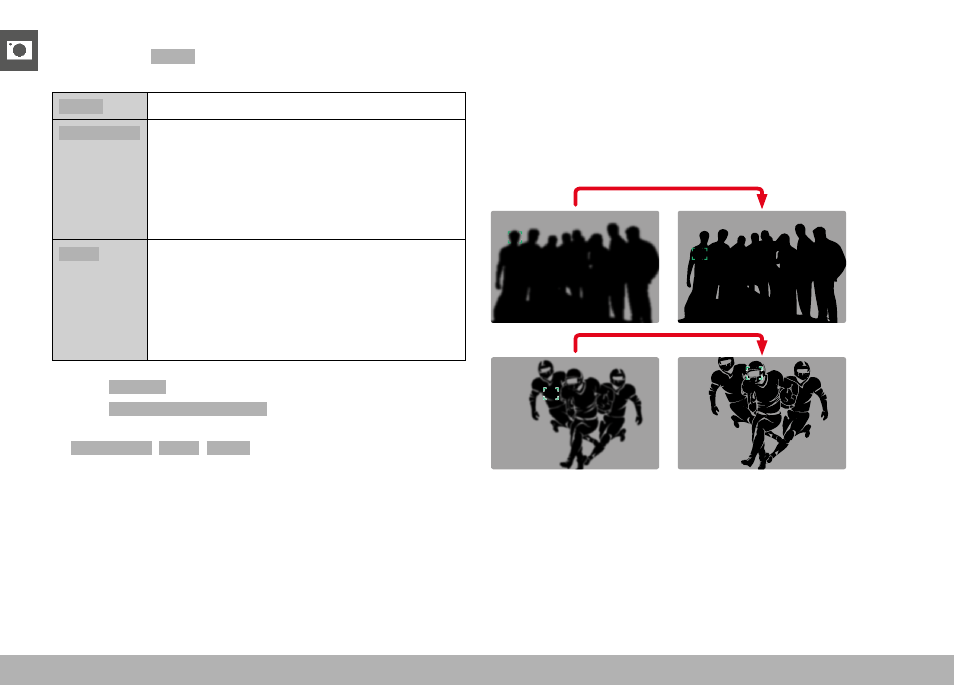
PERSON DETECTION (FACE DETECTION)
Person detection is an expansion of the face detection feature. In
addition to biometric patterns of faces, the camera also detects
body patterns and uses them for focusing. Tracking will therefore
continue, once a person is detected and measured, even if the face
may not be in view at some point. This feature prevents inadvertent
“jumps” to other faces if several persons are in the frame.