LEICA Q3 Digital Camera User Manual
Page 63
Advertising
CAMERA OPERATION ▸ USER-DEFINED OPERATION
63
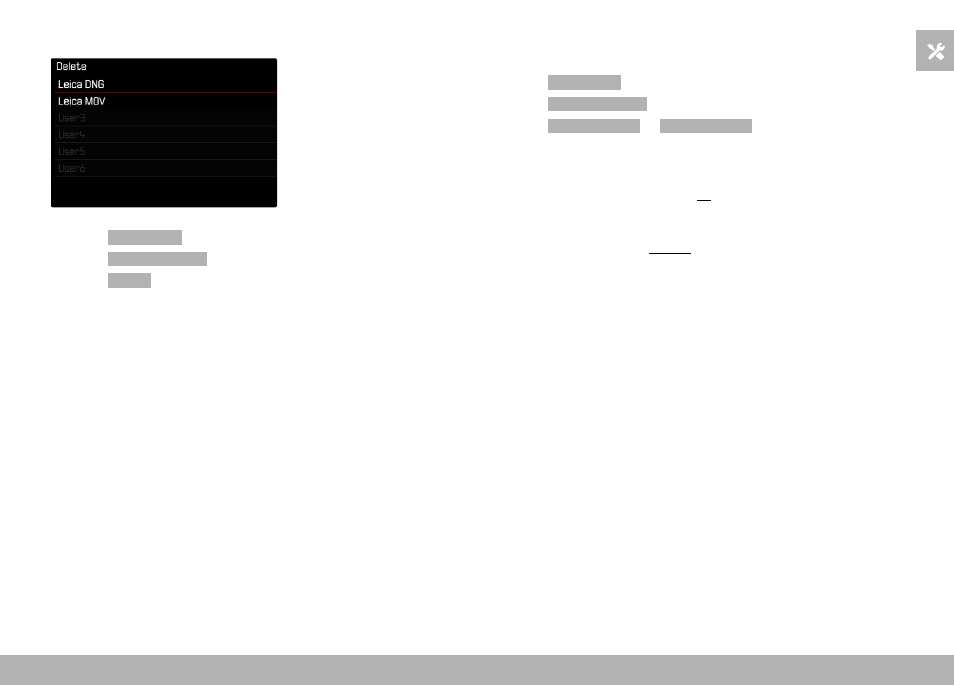
DELETING PROFILES
▸
Select
User Profile
in the main menu
▸
Select
Manage Profiles
▸
Select
Delete
▸
Select a profile
▸
Confirm the selection
EXPORTING/IMPORTING PROFILES TO/FROM THE MEMORY
CARD
▸
Select
User Profile
in the main menu
▸
Select
Manage Profiles
▸
Select
Export Profiles
or
Import Profiles
▸
Confirm the selection
Notes
• When importing and exporting, all profile slots are transferred
to the card, i.e. including any empty slots. Any existing profiles
stored in the camera will be overwritten, during the profile im-
port. Individual profiles cannot be imported or exported.
• Any existing set of profiles will be replaced on the memory card
during an export without an acknowledgment prompt.
Advertising