Noise reduction in jpg images, Image stabilization – LEICA Q3 Digital Camera User Manual
Page 77
STILL IMAGE SETTINGS ▸ AUTOMATIC OPTIMIZATION
77
NOISE REDUCTION IN JPG IMAGES
Except when high sensitivities are used, noise is luckily negligible.
Nevertheless, noise reduction is a component of data processing
when JPG files are generated. On the other hand, since it also
has an effect on the focus review, you can optionally weaken or
strengthen this noise reduction in comparison to the standard
setting.
Factory setting:
Low
▸
Select
JPG Settings
in the main menu
▸
Select
Noise Reduction (JPG)
▸
Select the desired setting
(
Low
,
Medium
,
High
)
Note
• This setting will only affect images in JPG format.
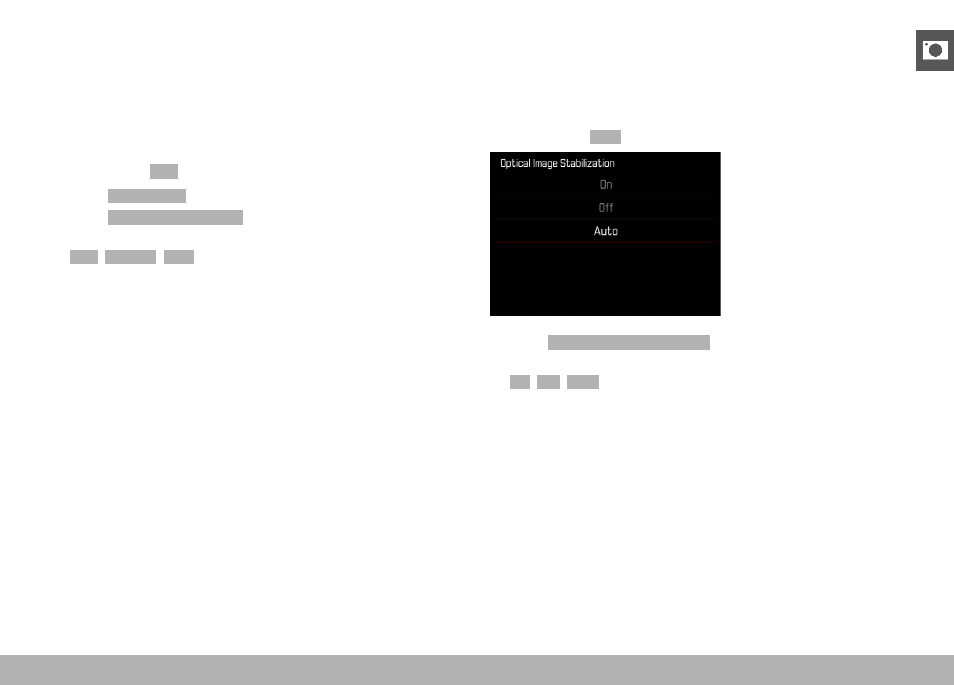
IMAGE STABILIZATION
The less favorable the lighting conditions during shooting, the slower
will be the required shutter speeds for correct exposure. Visual
image stabilization is a great tool for preventing out-of-focus images
due to blurring.
Factory setting:
Auto
▸
Select
Optical Image Stabilization
in the main menu
▸
Select the desired setting
(
On
,
Off
,
Auto
)