Automatic setting – LEICA Q3 Digital Camera User Manual
Page 195
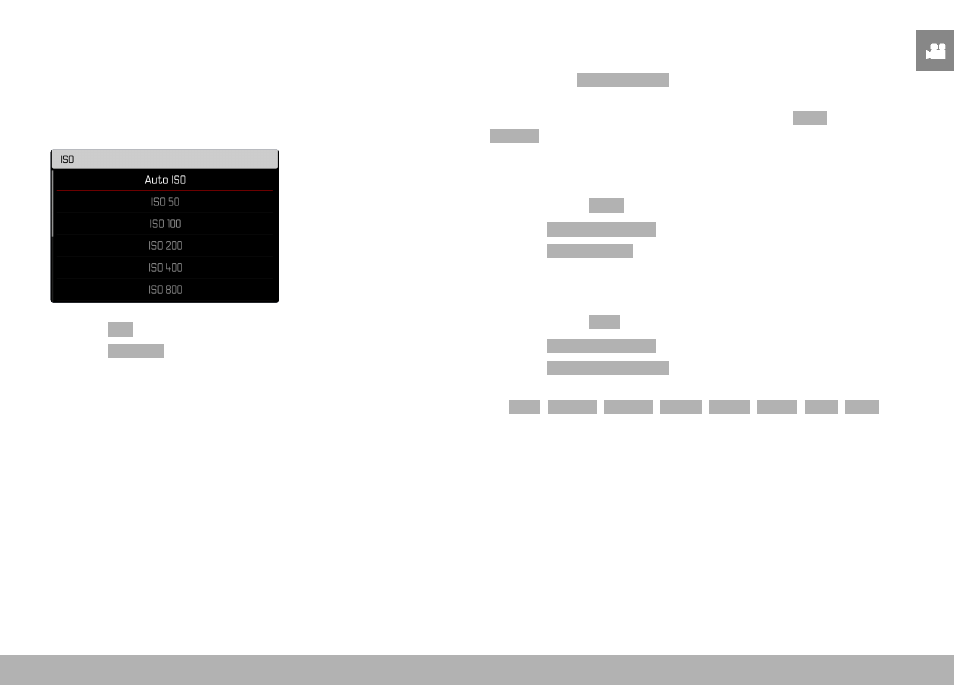
RECORDING VIDEO ▸ ISO SENSITIVITY
195
AUTOMATIC SETTING
The camera automatically adjusts the sensitivity to ambient bright-
ness and/or to the configured shutter-speed/aperture combination.
In conjunction with aperture-priority mode, this function extends the
range for automatic exposure control. The automatic setting of ISO
sensitivity occurs in increments of 1⁄3 EV.
▸
Select
ISO
in the main menu
▸
Select
Auto ISO
LIMITING SETTING RANGES
A max. ISO value can be set, which will then limit the automatic
setting range (
Max. ISO value
).
A max. exposure time can also optionally be configured. There are
automatic settings and fixed max. shutter speeds
1/30
s and
1/2000
s available for that purpose.
LIMITING ISO VALUES
All values from ISO 200 are available.
Factory setting:
6400
▸
Select
Auto ISO Settings
in the main menu
▸
Select
Maximum ISO
▸
Select the desired value
LIMITING SHUTTER SPEED RANGES
Factory setting:
Auto
▸
Select
Auto ISO Settings
in the main menu
▸
Select
Shutter Speed Limit
▸
Select the desired value
(
Auto
,
1/2000
,
1/1000
,
1/500
,
1/250
,
1/125
,
1/60
,
1/30
)
Note
• When Auto ISO is active, the camera uses the dynamic adjust-
ment function for the ISO value for the exposure setting. Depend-
ing on the exposure mode selected, the automatic ISO setting
interacts with automatically controlled aperture and/or shutter
speed settings.