Preview of latest image, Slide show, Preview of latest image slide show – LEICA Q3 Digital Camera User Manual
Page 153
REVIEW MODE ▸ PREVIEW OF LATEST IMAGE / SLIDE SHOW
153
PREVIEW OF LATEST IMAGE
Photos can be displayed automatically directly after they are taken
to e.g. check the success of the shots quickly and easily. A duration
for the automatic display can be configured.
▸
Select
Auto Review
in the main menu
▸
Select the desired function or duration in the submenu
(
Off
,
1 s
,
3 s
,
5 s
,
Permanent
,
Shutter button pressed
)
Permanent
: The most recent frame is displayed until automatic re-
view is ended by pressing the
PLAY
button or by tapping the shutter
button.
Shutter button pressed
: The most recent frame is displayed for as
long as the shutter button is pressed down.
Notes
• Various control elements change back to regular review mode to
execute their normal functions while automatic review is select-
ed. The camera will remain in review mode until it is exited.
• Marking and deleting can only be done in regular review mode
and not during automatic review.
• When shooting with the Continuous Shooting or Interval Shooting
functions, then the last image in the series will be displayed or
– if the save process is still incomplete – the last image in the
series saved to the memory card.
• Where display times were configured (
1 s
,
3 s
,
5 s
) automatic
review can be ended immediately by pressing the
PLAY
button or
tapping the shutter button.
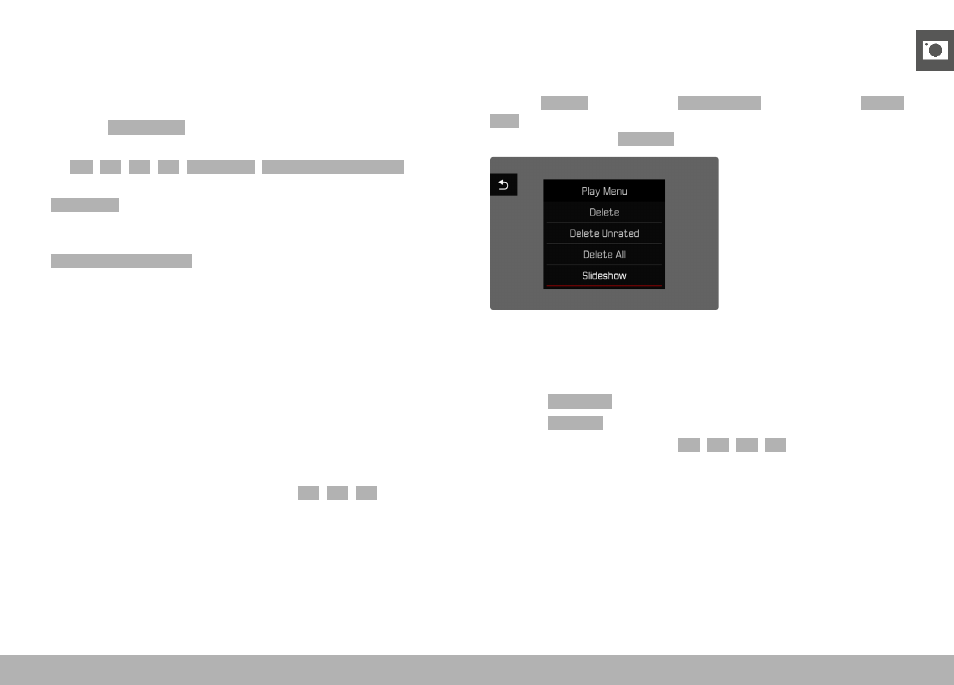
SLIDE SHOW
A slide show function is available in review mode, in which the
saved images are shown automatically in series. Choose to see all
images (
Play All
), only photos (
Pictures Only
) or only videos (
Videos
Only
) should be displayed. For photos, select how long each image
should be displayed (
Duration
).
SETTING THE DURATION
▸
Press the
MENU
button
▸
Select
Slideshow
in the play menu
▸
Select
Duration
▸
Select the desired duration (
1 s
,
2 s
,
3 s
,
5 s
)