Direct setting of the color temperature – LEICA Q3 Digital Camera User Manual
Page 198
RECORDING VIDEO ▸ WHITE BALANCE
198
Performing measurement
▸
Shutter release
• The measurement is taken.
Cancelling measurements
▸
Press the center button
Note
• A value configured using this method will remain unchanged (i.e.
it will be used for all subsequent photographs) until new mea-
surements are taken or one of the other white balance settings
is selected.
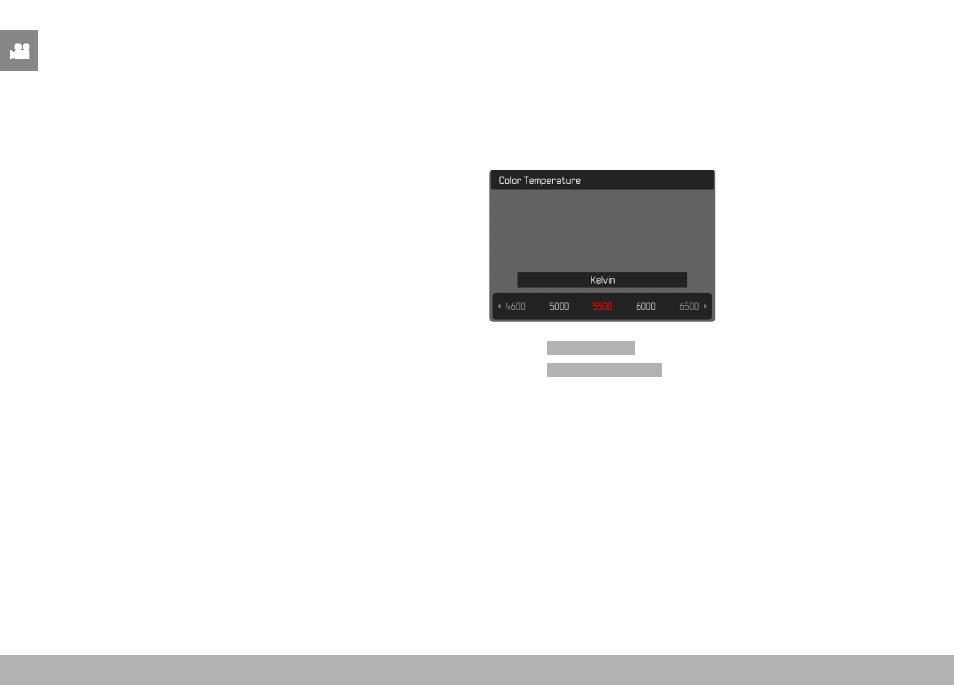
DIRECT SETTING OF THE COLOR TEMPERATURE
Values between 2000 and 11,500 K (Kelvin) can be set directly.
That gives you a very wide range, which covers virtually all color
temperatures occurring in real life and within which you can adapt
color rendering to any light color and your personal preferences
with incredible detail.
▸
Select
White Balance
in the main menu
▸
Select
Color Temperature
▸
Select the desired value