Eye sensor sensitivity, Brightness, Lcd panel – LEICA Q3 Digital Camera User Manual
Page 67: Lcd panel evf
CAMERA BASIC SETTINGS ▸ LCD PANEL/VIEWFINDER SETTINGS
67
▸
Select
Display Settings
in the main menu
▸
Select
EVF-LCD
▸
Select the desired setting
Note
• Select
EVF
if you want to keep the LCD panel switched off (e.g.
on dark environments).
EYE SENSOR SENSITIVITY
You can adjust the eye sensor sensitivity to ensure that the change-
over functions reliably if you wear eyeglasses.
Factory setting:
High
▸
Select
Display Settings
in the main menu
▸
Select
Eye Sensor Sensitivity
▸
Select the desired setting
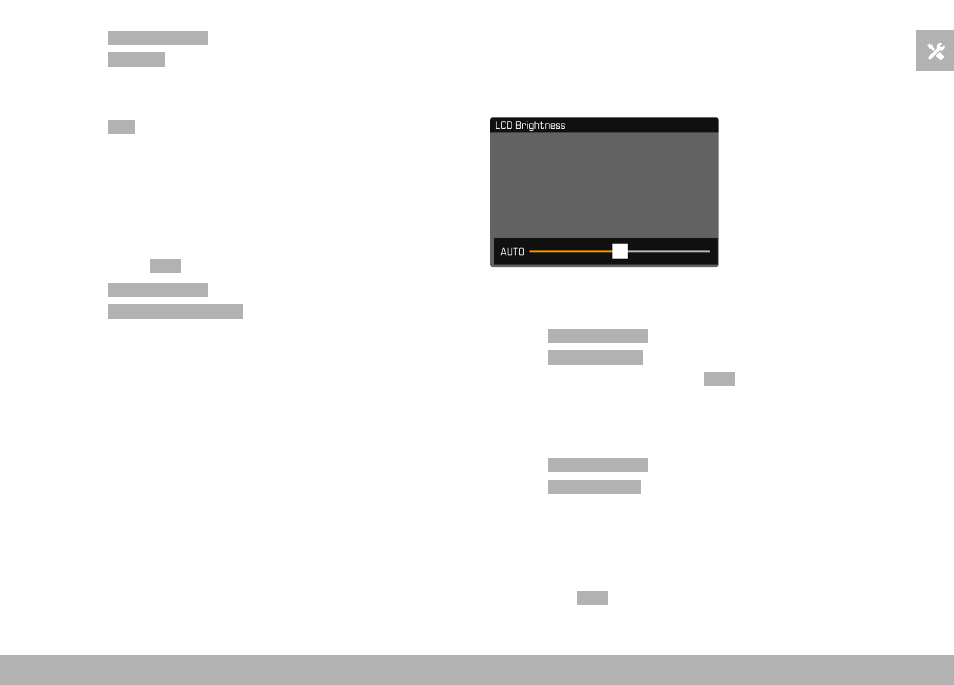
BRIGHTNESS
You can adjust brightness for best visibility in various lighting
conditions. Brightness is set individually for the LCD panel and the
viewfinder. Selection occurs via key control or touch control.
LCD PANEL
▸
Select
Display Settings
in the main menu
▸
Select
LCD Brightness
▸
Select the desired brightness or
Auto
▸
Confirm selection
EVF
▸
Select
Display Settings
in the main menu
▸
Select
EVF Brightness
▸
Look through the viewfinder
▸
Select the desired brightness
▸
Confirm selection
Note
• The setting
Auto
is not available here.