Tagging/rating of images – LEICA Q3 Digital Camera User Manual
Page 148
REVIEW MODE ▸ TAGGING/RATING OF IMAGES
148
Navigating between images
▸
Press the directional pad in the relevant direction
or
▸
Press and hold the
PLAY
button while turning the thumbwheel
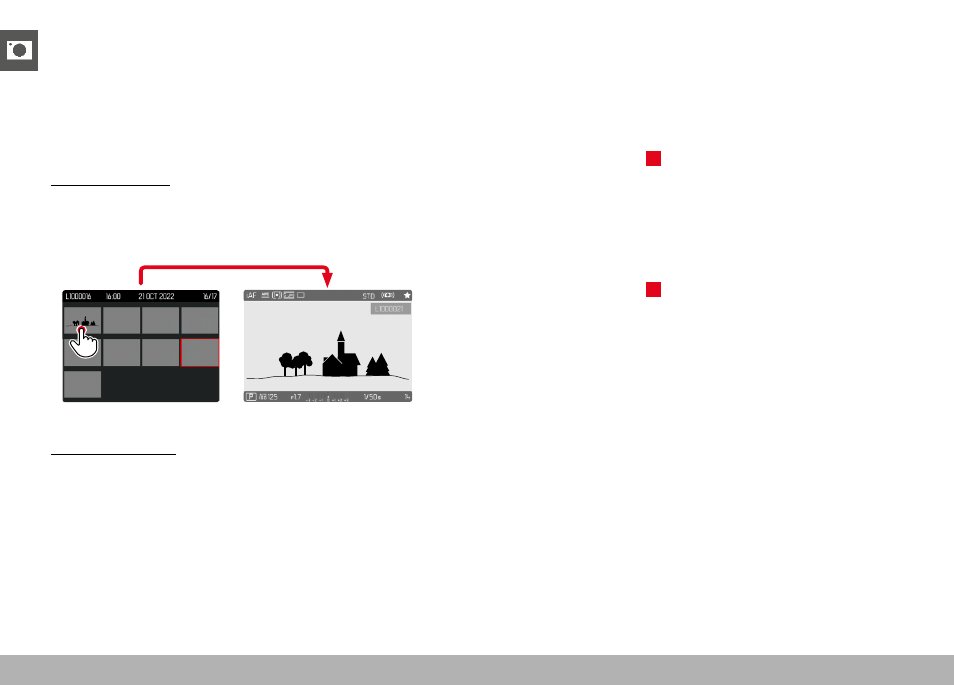
Displaying the image in full size
Using touch control
▸
Two-finger spread
or
▸
Tap the desired image
Using button control
▸
Turn the thumbwheel to the right
or
▸
Press the thumbwheel button / the
PLAY
button / the center
button
TAGGING/RATING OF IMAGES
Images can be marked as favorites to find them quicker or to sim-
plify the later deletion of multiple images. Tagging can be done in
regular view mode or in the overviews.
Tagging a photos
▸
Press the FN button 2 (
14
)
• The image is marked with ★.
• The icon will appear in the header line on the far right when
viewing images in full size, and in the top left corner of the
thumbnail in overview mode.
Removing a tag
▸
Press the FN button 2 (
14
)
• The ★ marking disappears.