Color rendering, Lcd panel, Automatic lcd panel and evf shutdown – LEICA Q3 Digital Camera User Manual
Page 68: Evf frame rate, Lcd panel evf
CAMERA BASIC SETTINGS ▸ LCD PANEL/VIEWFINDER SETTINGS
68
COLOR RENDERING
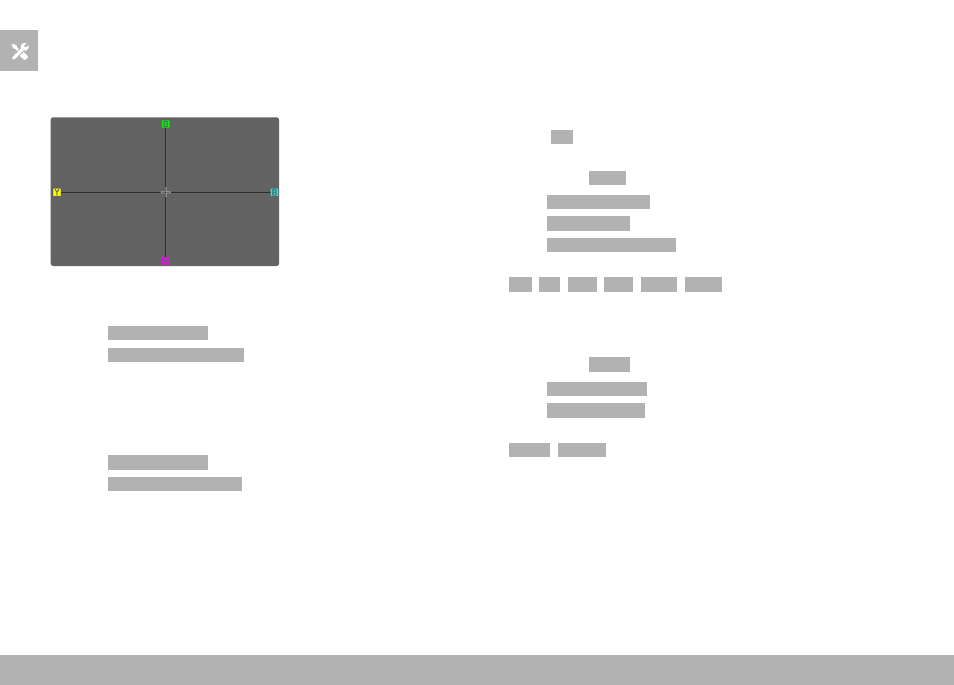
Color rendering can also be adjusted. Brightness is set individually
for the LCD panel and the viewfinder. Selection occurs via key con-
trol or touch control.
LCD PANEL
▸
Select
Display Settings
in the main menu
▸
Select
LCD Color Adjustment
▸
Select the desired color setting
▸
Confirm selection
EVF
▸
Select
Display Settings
in the main menu
▸
Select
EVF Color Adjustment
▸
Look through the viewfinder
▸
Select the desired color setting
▸
Confirm selection
AUTOMATIC LCD PANEL AND EVF SHUTDOWN
The LCD panel and EVF deactivate automatically to save power. The
time until power off can be set.
This setting also affects autofocus; the AF system will be deactivat-
ed at the time of automatic shutdown as well. We therefore recom-
mend the
Off
setting if autofocus is to be used in HDMI recordings.
Factory setting:
1 min
▸
Select
Camera Settings
in the main menu
▸
Select
Power Saving
▸
Select
Displays/AF Auto Off
▸
Select the desired setting
(
Off
,
5 s
,
10 s
,
30 s
,
1 min
,
5 min
)
EVF FRAME RATE
The image frequency of the EVF can be set.
Factory setting:
60 fps
▸
Select
Display Settings
in the main menu
▸
Select
EVF Frame Rate
▸
Select the desired setting
(
60 fps
,
120 fps
)