Leica looks, Audio settings, Microphone – LEICA Q3 Digital Camera User Manual
Page 161
VIDEO SETTINGS ▸ AUDIO SETTINGS
161
LEICA LOOKS
Leica Looks offer a selection of professionally aligned, pre-defined
profiles. These can be conveniently downloaded to the camera.
There are six memory slots available for Leica Looks.
Applying a Look
▸
Select
Video Settings
in the main menu
▸
Select
Leica Looks
▸
Select a memory slot
Selecting a memory slot
Leica Looks can be easily downloaded to the camera via Leica
FOTOS.
▸
Connecting to Leica FOTOS
▸
Follow the instructions provided by the Leica FOTOS app
Note
• The memory space assignments from the downloaded Leica
Looks apply for photo and video mode alike. The various profiles
can be selected individually for the two operating modes.
AUDIO SETTINGS
MICROPHONE
The sensitivity of the integrated microphone can be set.
Factory setting:
Medium
▸
Select
Video Settings
in the main menu
▸
Select
Microphone Gain
▸
Select the desired level
(
High
,
Medium
,
Medium low
,
Low
,
Off
)
Notes
• The Autofocus function and manual focusing adjustments generate
noise that may be picked up in the recording.
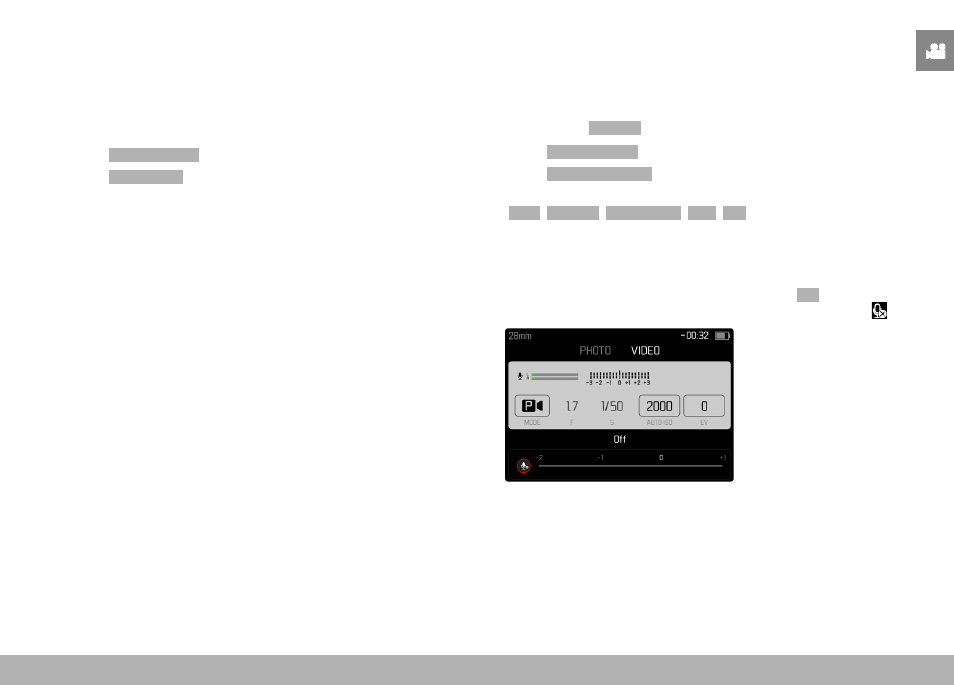
• There will be no audio recorded if this setting is
Off
. As notifica-
tion, the icon for the recording level changes as shown here .