Deleting unrated recordings, Slide show – LEICA Q3 Digital Camera User Manual
Page 217
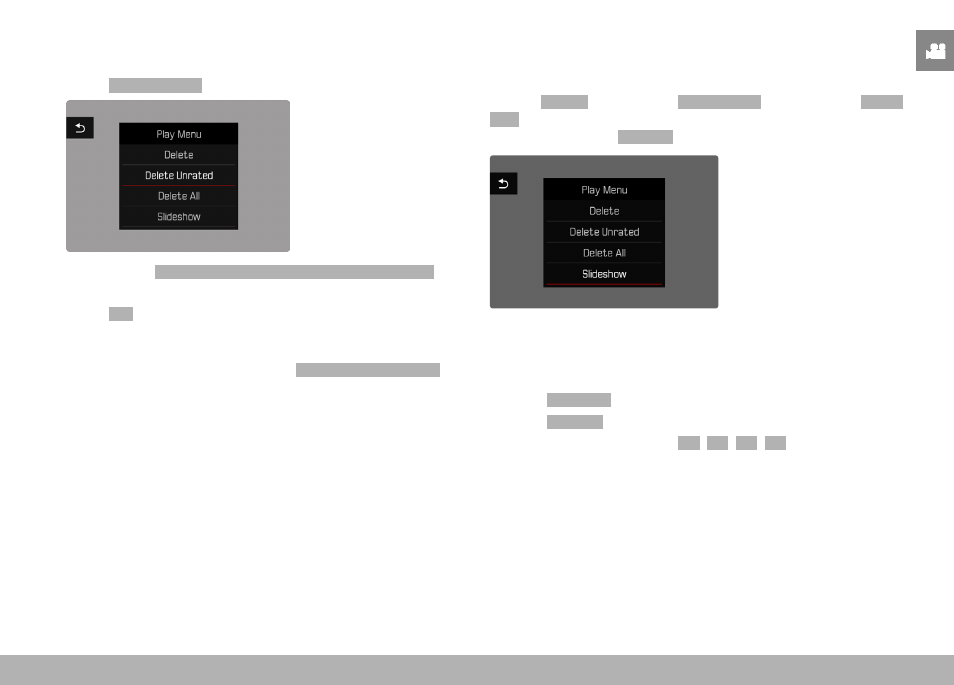
PLAYBACK MODE ▸ SLIDE SHOW
217
DELETING UNRATED RECORDINGS
▸
Press the
MENU
button
▸
Select
Delete Unrated
in the play menu
• The prompt
Do you really want to delete all not rated files?
appears.
▸
Select
Yes
• The LED will flash during the deletion process. The process
may take a few seconds. The next marked image appears once
deletion is complete. The message
No valid picture to play.
appears if no other recordings are saved on the card.
SLIDE SHOW
A slide show function is available in playback mode, in which the
saved images are shown automatically in series. Choose to see all
images (
Play All
), only photos (
Pictures Only
) or only videos (
Videos
Only
) should be displayed. For photos, select how long each image
should be displayed (
Duration
).
SETTING THE DURATION
▸
Press the
MENU
button
▸
Select
Slideshow
in the play menu
▸
Select
Duration
▸
Select the desired duration (
1 s
,
2 s
,
3 s
,
5 s
)