Initiate/exit playback mode, Selecting/scrolling through images, Single – LEICA Q3 Digital Camera User Manual
Page 210
PLAYBACK MODE ▸ INITIATE/EXIT PLAYBACK MODE / SELECTING/SCROLLING THROUGH IMAGES
210
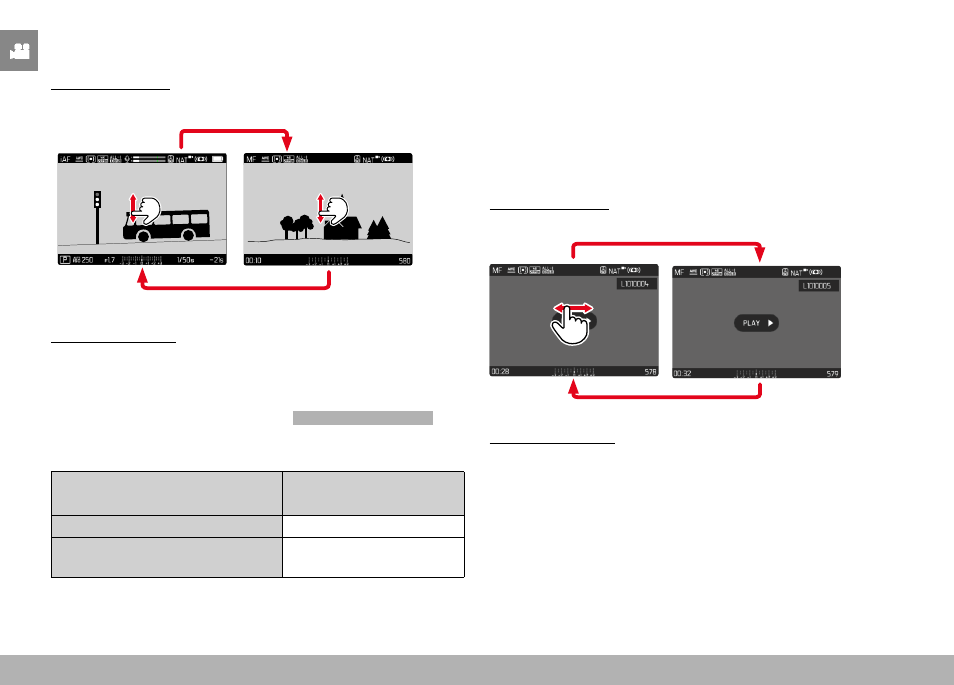
INITIATE/EXIT PLAYBACK MODE
Using touch control
▸
Swipe up or down
INFO
1/8000
2.8
F
12500
ISO
EV
A
-3 2
1 0
2
1
3+
8234
12
MP
Playback
Shooting
Using button control
▸
Press the
PLAY
button
• The last shot taken appears on the screen.
• The following message appears if the inserted memory card
does not contain any (image) files:
No valid picture to play
.
• The
PLAY
button function differs, depending on the current
camera setting:
Initial situation
After pressing the
PLAY
button
Full screen display of a recording
Recording mode
Display of multiple small recordings Full screen display of the
recording
SELECTING/SCROLLING THROUGH IMAGES
The images are visually arranged in a horizontal reel. The sorting
will be strictly chronological. When the end of an image series is
reached, the display automatically jumps back to the first image in
the series. All images can therefore be reached by scrolling either
right or left.
SINGLE
Using touch control
▸
Swipe to the left or right
Using button control
▸
Press the directional pad left/right