LEICA Q3 Digital Camera User Manual
Page 60
CAMERA OPERATION ▸ USER-DEFINED OPERATION
60
CHANGING AN ASSIGNMENT
▸
Switch to the desired mode (photo or video)
▸
Press the function button longer
• The direct access list you have created will appear on the LCD
panel.
• This list can be modified at any time via the menu item
Customize Control
.
▸
Select the menu item you want by pressing the center button
• You will not be prompted to acknowledge your selection. The
change is applied immediately.
ACCESSING THE ASSIGNED MENU FUNCTION
▸
Press the function button briefly
• The assigned function is accessed, or a submenu appears on
screen.
CREATING THE CUSTOM LIST
▸
Switch to the desired mode (photo or video)
▸
Select
Customize Control
in the main menu
▸
Select
FN Button 1
/
FN Button 2
/
Center Button
/
Thumbwheel
Button
▸
Select
On
or
Off
for each menu item
THUMBWHEEL ASSIGNMENT
Factory setting:
Auto
In factory settings, the thumbwheel function depends on the active
exposure mode. However, the thumbwheel can also be assigned
another function.
▸
Switch to the desired mode (photo or video)
▸
Select
Customize Control
in the main menu
▸
Select
Wheel Assignment
▸
Select the desired setting
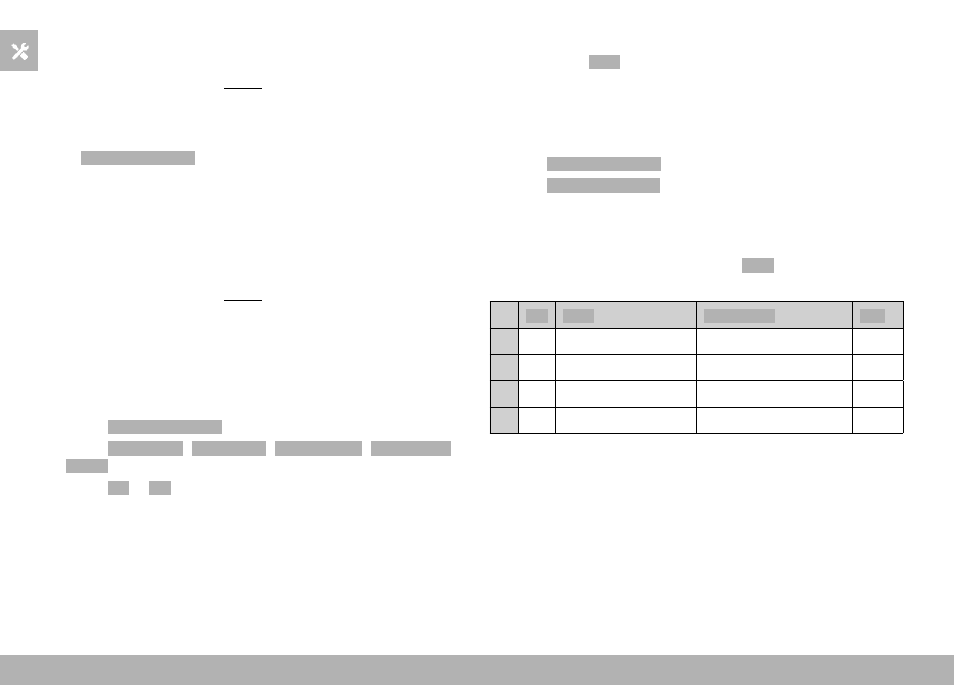
The thumbwheel has varying functions depending on the exposure
mode (see p. 107/p. 199) when it is set to
Auto
.
Off Auto
Exp. Comp.
ISO
P
–
Program shift
Exposure compensation
ISO
A
–
Exposure compensation
Exposure compensation
ISO
S
–
Shutter speed
Exposure compensation
ISO
M
–
Shutter speed
Exposure compensation
ISO
ACCESSING THE ASSIGNED MENU FUNCTION
▸
Turn the thumbwheel to the left/right