H3C Technologies H3C SecPath F1000-E User Manual
Page 191
Advertising
6
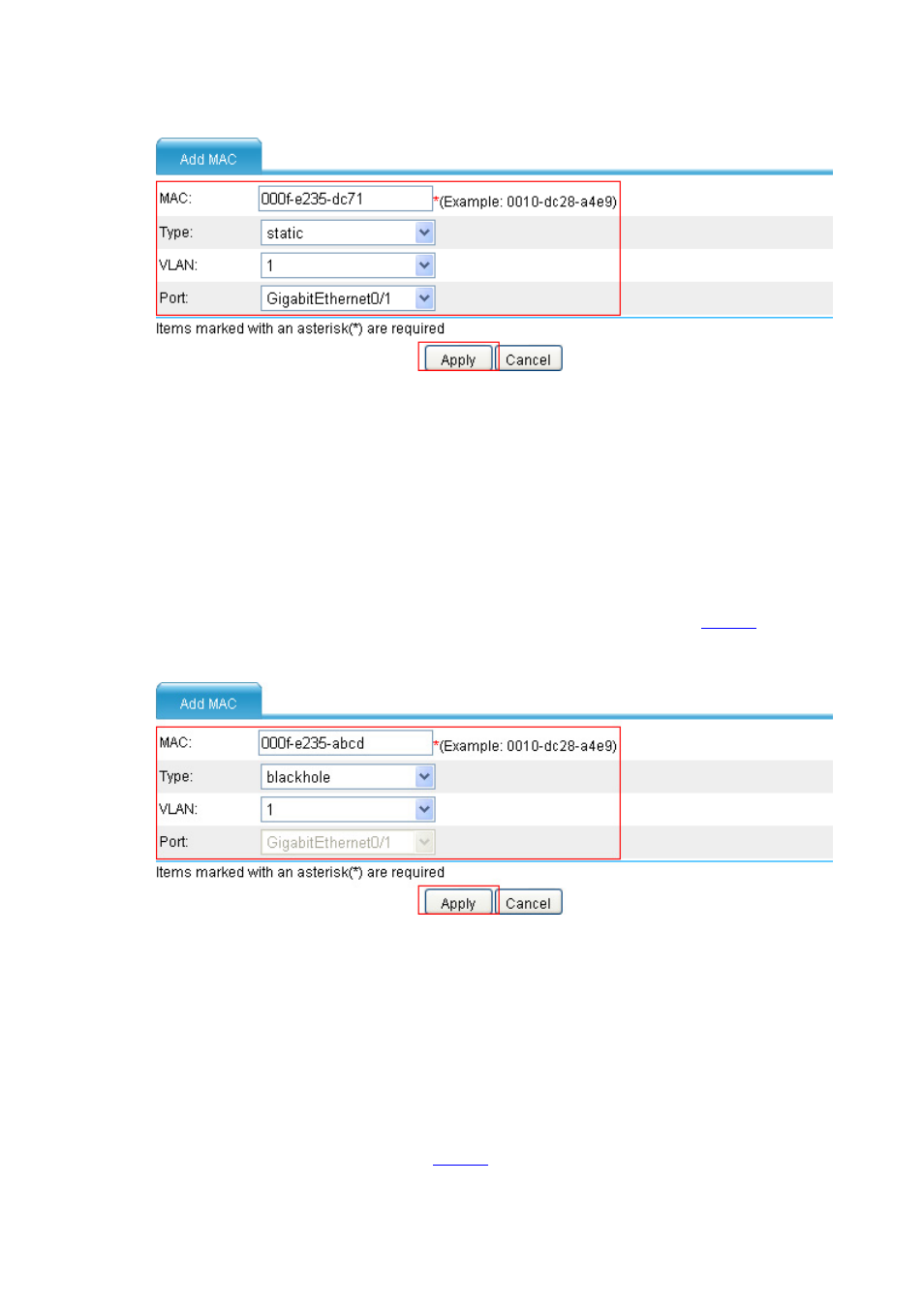
Figure 5 Create a static MAC address entry
•
Enter MAC address 000f-e235-dc71.
•
Select static in the Type drop-down box.
•
Select 1 in the VLAN drop-down box.
•
Select GigabitEthernet0/1 in the Port drop-down box.
•
Click Apply.
# Create a blackhole MAC address entry.
•
Click Add, and make the following configurations on the page as shown in
.
Figure 6 Create a blackhole MAC address entry
•
Enter MAC address 000f-e235-abcd.
•
Select blackhole in the Type drop-down box.
•
Select 1 in the VLAN drop-down box.
•
Click Apply.
# Set the aging time for MAC address entries.
•
Select Network > MAC > Setting from the navigation tree, and make the following
configuration on the page shown in
.
Advertising
This manual is related to the following products: