H3C Technologies H3C SecPath F1000-E User Manual
Page 547
39
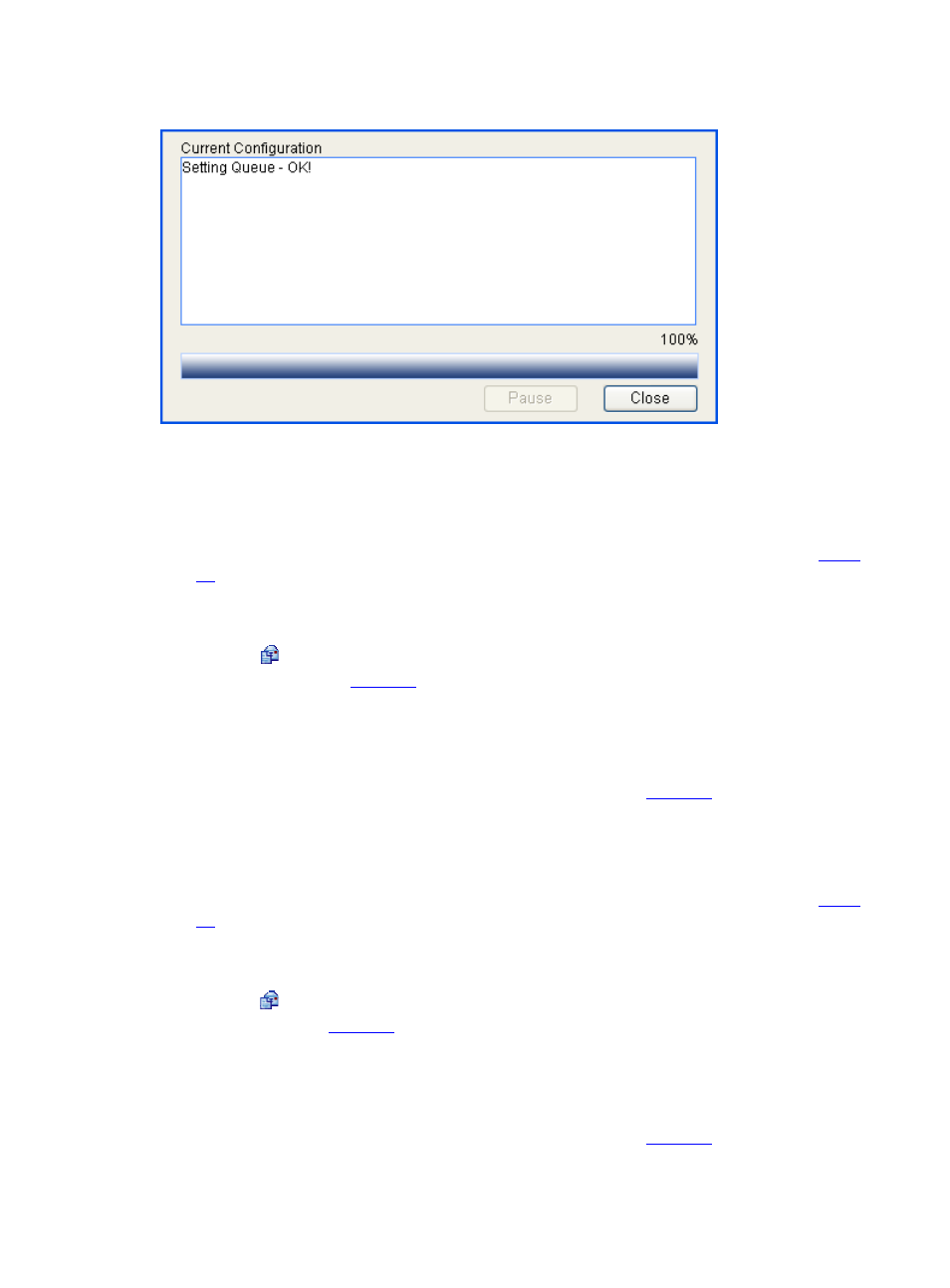
Figure 47 Configuration progress dialog box
•
When OK appears, click Close.
# Create a behavior named af21_behav, and configure AF and set the minimum available bandwidth
for the behavior.
•
On the page displaying behaviors, click Add. Perform configuration on the page shown in
.
•
Type af21_behav as the behavior name.
•
Click Apply.
•
Click the icon corresponding to af21_behav on the behavior list, and perform configuration
on the page shown in
.
•
Select the Queue option.
•
Select the AF option.
•
Select the Percent option, and then type 5.
•
Click Apply. The configuration progress dialog box as shown in
appears.
•
When OK appears, click Close.
# Create a behavior named ef_behav, and configure EF and set the maximum available bandwidth for
the behavior. For EF traffic, both bandwidth and delay are guaranteed.
•
On the page displaying behaviors, click Add. Perform configuration on the page shown in
.
•
Type ef_behav as the behavior name.
•
Click Apply.
•
Click the icon corresponding to ef_behav on the behavior list, and perform configuration on
the page shown in
.
•
Select the Queue option.
•
Select the EF option.
•
Select the Percent option, and then type 30.
•
Click Apply. The configuration progress dialog box as shown in
appears.
•
When OK appears, click Close.