N in, Figure 20 – H3C Technologies H3C SecPath F1000-E User Manual

Page 608
Advertising
background image

16

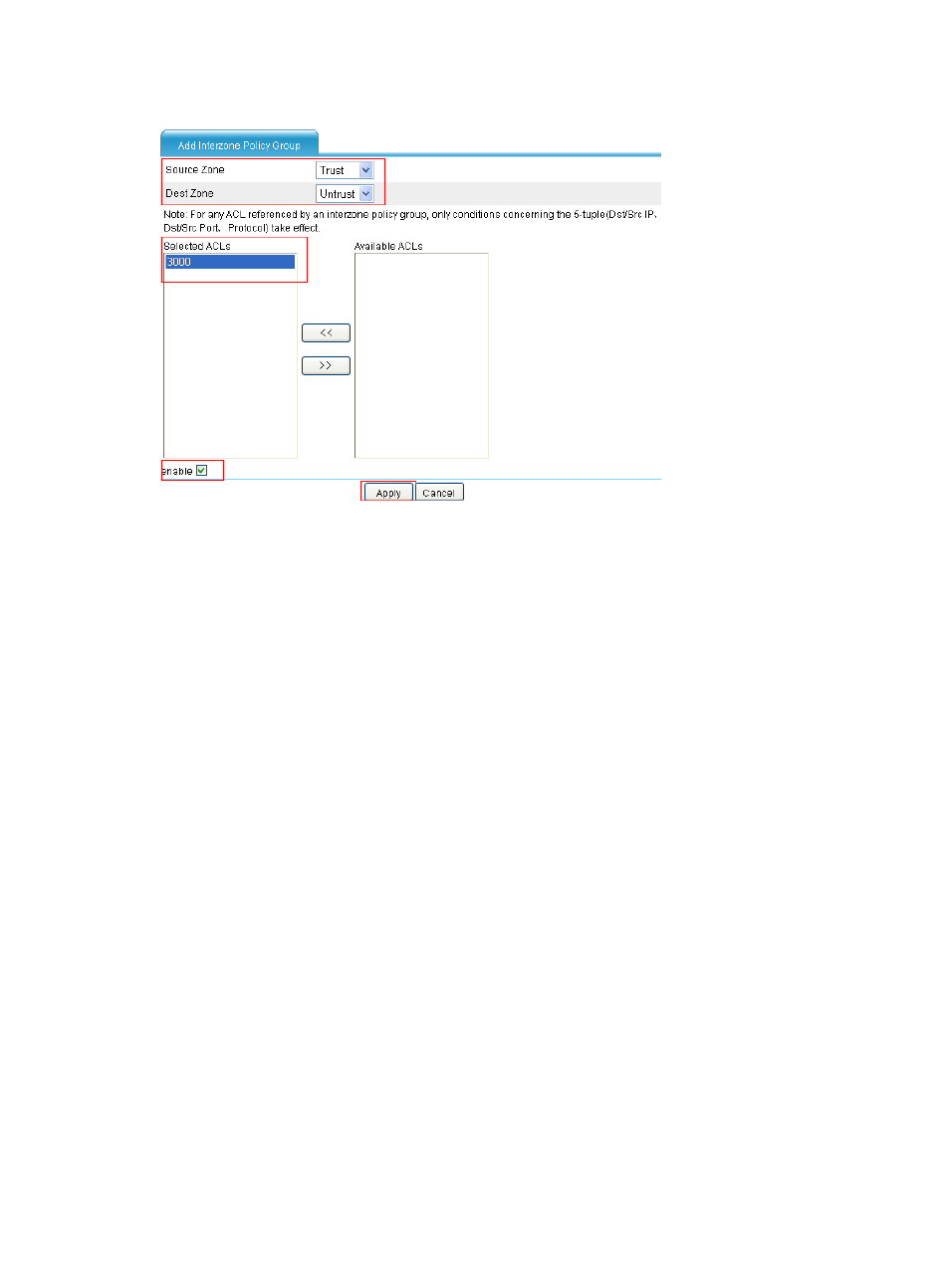
Figure 20 Configure the interzone policy group

•

Select Trust as the source zone.

•

Select Untrust as the destination zone.

•

Select 3000 under Available ACLs, and click << to add it to the selected ACL list.

•

Select the enable check box.

•

Click Apply.

Advertising
This manual is related to the following products: