Stateful failover configuration example, Network requirements, Configuration procedure – H3C Technologies H3C SecPath F1000-E User Manual
Page 855
6
Stateful Failover Configuration Example
Network requirements
, Device A and Device B are deployed for stateful failover in an enterprise network to provide
Internet access. They both run NAT to provide IP address translation.
It is required to:
•
Configure the devices to back up each other, so that when one device fails, the other device takes
over the services to ensure service continuity.
•
Enable automatic configuration synchronization from Device A (active device) to Device B (standby
device).
Configuration procedure
Step1
Configure Device A.
# Configure stateful failover.
•
Select high reliability > Stateful Failover from the navigation tree.
•
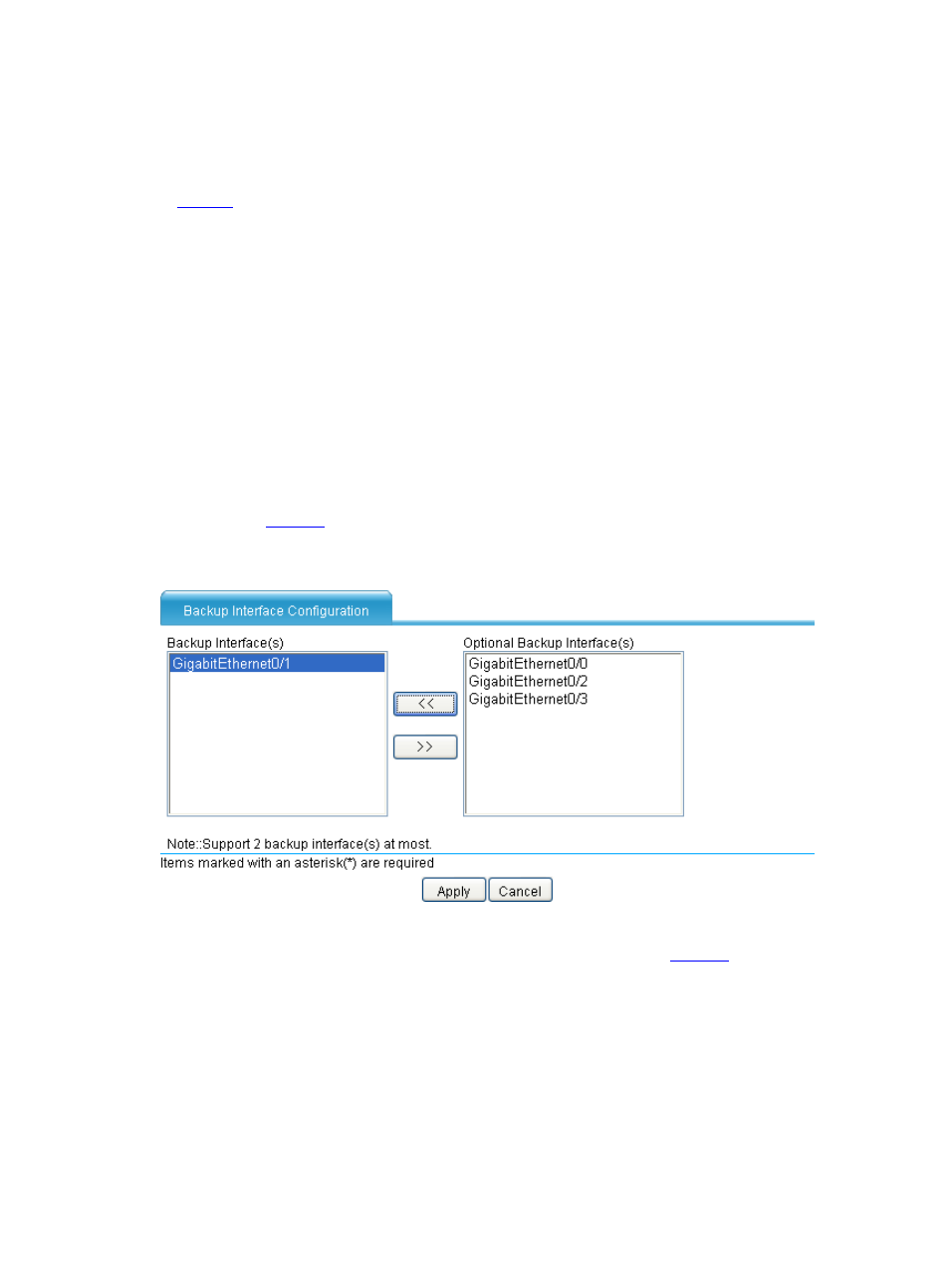
Click Modify Backup Interface to enter the Backup Interface Configuration page as
shown in
. Select GigabitEthernet0/1 from the Optional Backup Interface(s) list,
click the << button, and then click Apply.
Figure 5 Configure failover interfaces
Then enter the Stateful Failover Configuration page as shown in
and complete the
following settings:
•
Select the Enable Stateful Failover check box.
•
Select Unsupport Asymmetric Path for Backup Type.
•
Select the Main Device for Configuration Synchronization check box.
•
Select the Auto Synchronization check box.
•
Click Apply.