N in, Figure 7 – H3C Technologies H3C SecPath F1000-E User Manual
Page 56
Advertising
7
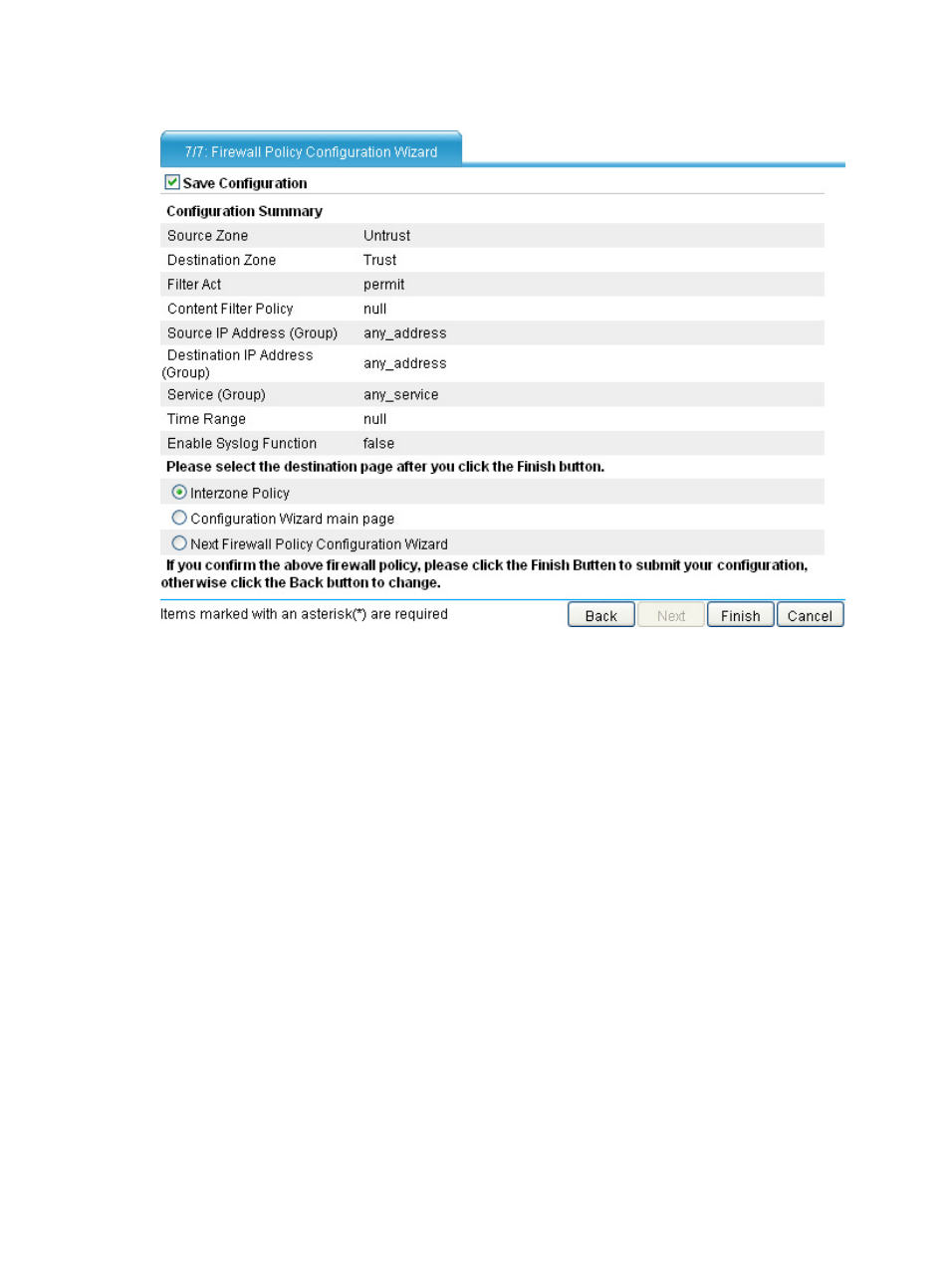
Figure 7 Firewall policy configuration wizard: 7/7
Step15
Select whether to save the current configuration to the configuration files to be used at next startup
(including a cfg file and xml file), check that the settings are what you want, and then select the page to
jump to:
•
Interzone policy page: Jumps to the page you can enter by selecting Firewall > Security Policy
> Interzone Policy from the navigation tree.
•
Configuration Wizard main page: Jumps to the page you can enter by selecting Wizard
from the navigation tree.
•
Next Firewall Policy Configuration Wizard: Jumps to the page you can enter by selecting
Wizard from the navigation tree and then clicking the Firewall Policy Configuration
hyperlink.
•
Click Finish.
Advertising
This manual is related to the following products: