2 telnet settings – PLANET SGSD-1022 User Manual
Page 71
User’s Manual of SGSD-1022 / SGSD-1022P
SGSW-2840 / SGSW-2840P
4.2.7.2 Telnet Settings
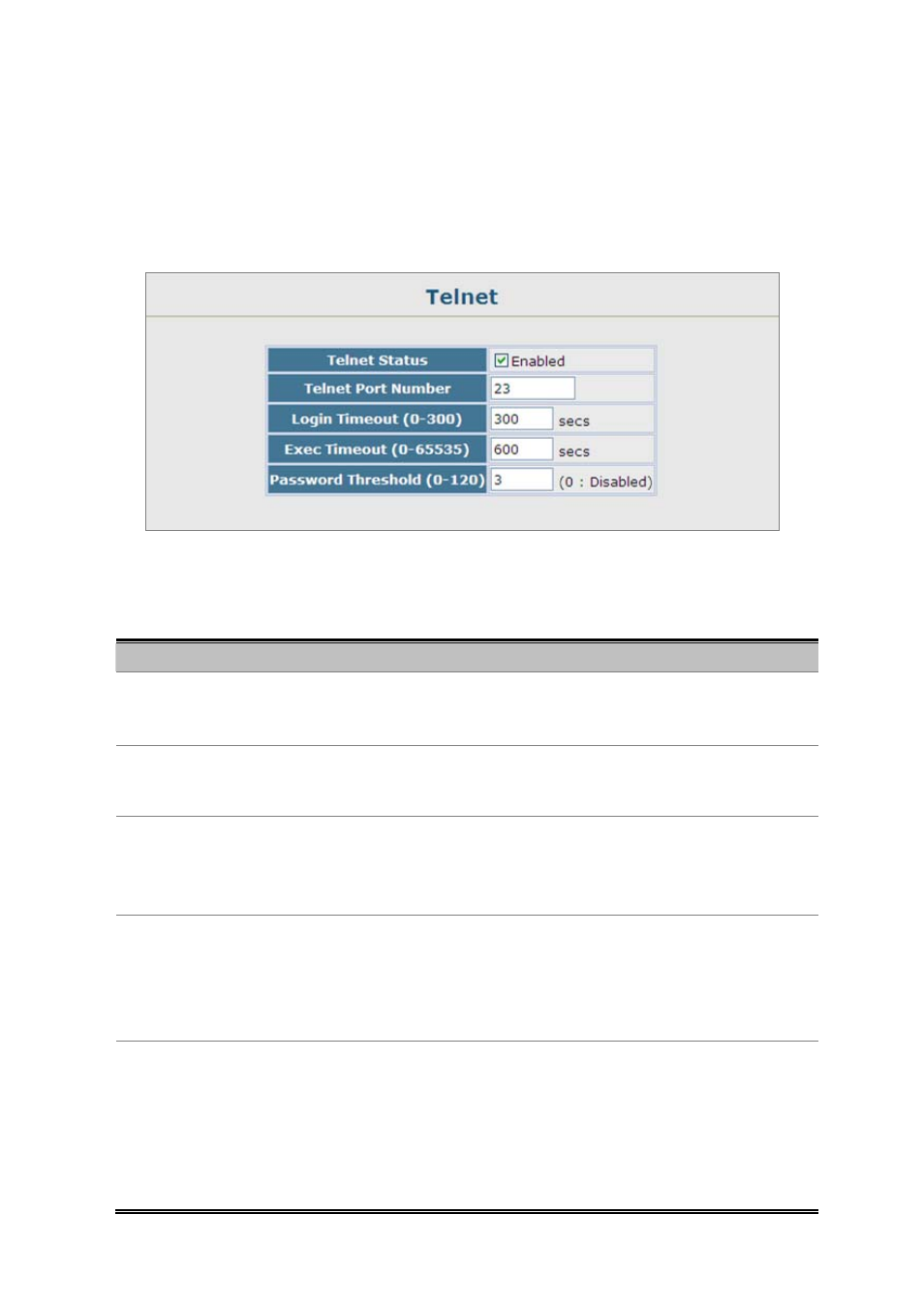
You can access the onboard configuration program over the network using Telnet (i.e., a virtual terminal). Management access
via Telnet can be enabled / disabled and other various parameters set, including the TCP port number, timeouts, and a
password. These parameters can be configured via the web or CLI interface.
Figure 4-2-16 Telnet setting screenshot
The page includes the following fields:
Object
Description
• Telnet Status
Enables or disables Telnet access to the switch.
(Default: Enabled)
• Telnet Port Number
Sets the TCP port number for Telnet on the switch.
(Default: 23)
• Login Timeout
Sets the interval that the system waits for a user to log into the
(Range: 0-300 seconds;
Default: 300 seconds
• Exec Timeout
Sets the interval that the system waits until user input is detected. If user input is
not detected within the timeout interval, the current session is terminated.
Range: 0-65535 seconds;
Default: 600 seconds
• Password Threshold
Sets the password intrusion threshold, which limits the number of failed logon
attempts. When the logon attempt threshold is reached, the system interface
becomes silent for a specified amount of time (set by the Silent Time parameter)
before allowing the next logon attempt.
Range: 0-120;
Default: 3 attempts
71