PLANET WGS3-24240 User Manual
Page 140
User’s Manual of WGS3-24000 / WGS3-24240
140
4.3.5.4 VLAN Configuration
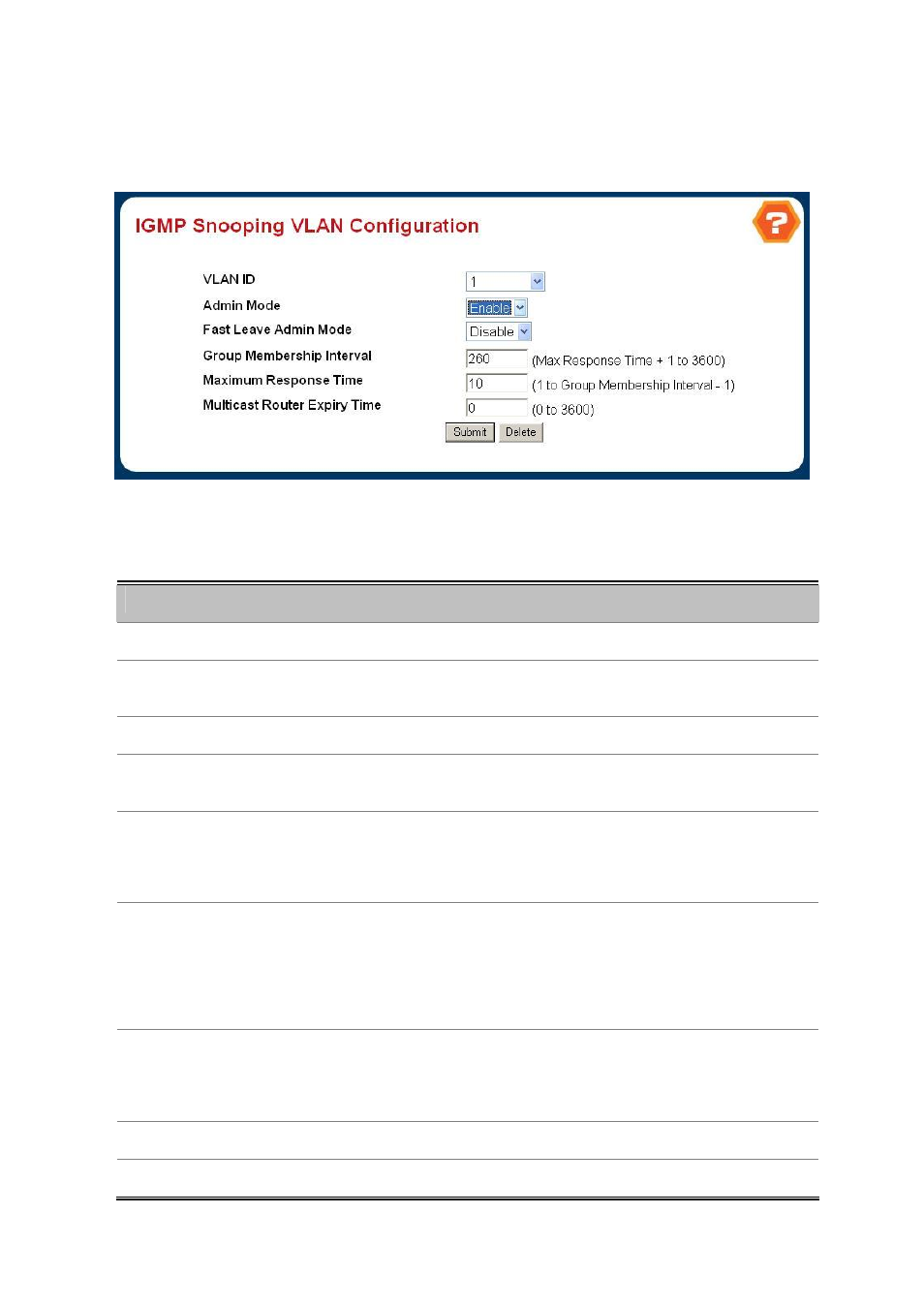
Use this page to setup the IGMP Snooping VLAN configuration.
Figure 4-3-22 IGMP Snooping VLAN Configuration
Configurable Data
Object
Description
• VLAN ID
Specifies list of VLAN IDs for which IGMP Snooping is enabled.
• VLAN ID
Appears when "New Entry" is selected in VLAN ID combo box. Specifies VLAN
ID for which pre-configurable Snooping parameters are to be set.
• Admin Mode
Enable Igmp Snooping for the specified VLAN ID.
• Fast Leave Admin
Mode
Enable or disable the Igmp Snooping Fast Leave Mode for the specified VLAN
ID.
• Group Membership
Interval
Sets the value for group membership interval of IGMP Snooping for the specified
VLAN ID.
Valid range is (Maximum Response Time + 1) to 3600.
• Maximum Response
Time
Sets the value for maximum response time of IGMP Snooping for the specified
VLAN ID.
Valid range is 1 to (Group Membership Interval - 1).
Its value should be greater than group membership interval value.
• Multicast Router
Expiry Time
Sets the value for multicast router expiry time of IGMP Snooping for the specified
VLAN ID.
Valid range is 0 to 3600.
• Submit button
Update the switch with the values you entered.
• Delete button
Update the switch with the default values.