3 configuration – PLANET WGS3-24240 User Manual
Page 44
User’s Manual of WGS3-24000 / WGS3-24240
44
4.2.3 Configuration
Use this page to configure the parameters for system management, including the following fields:
。
System Description
。
Switch
。
Network Connectivity
。
Telnet Session
。
Outbound Telnet Client Configuration
。
Serial Port
。
User Account
。
Authentication List Configuration
。
Login Session
。
Authentication List Summary
。
User Login
4.2.3.1 System Description
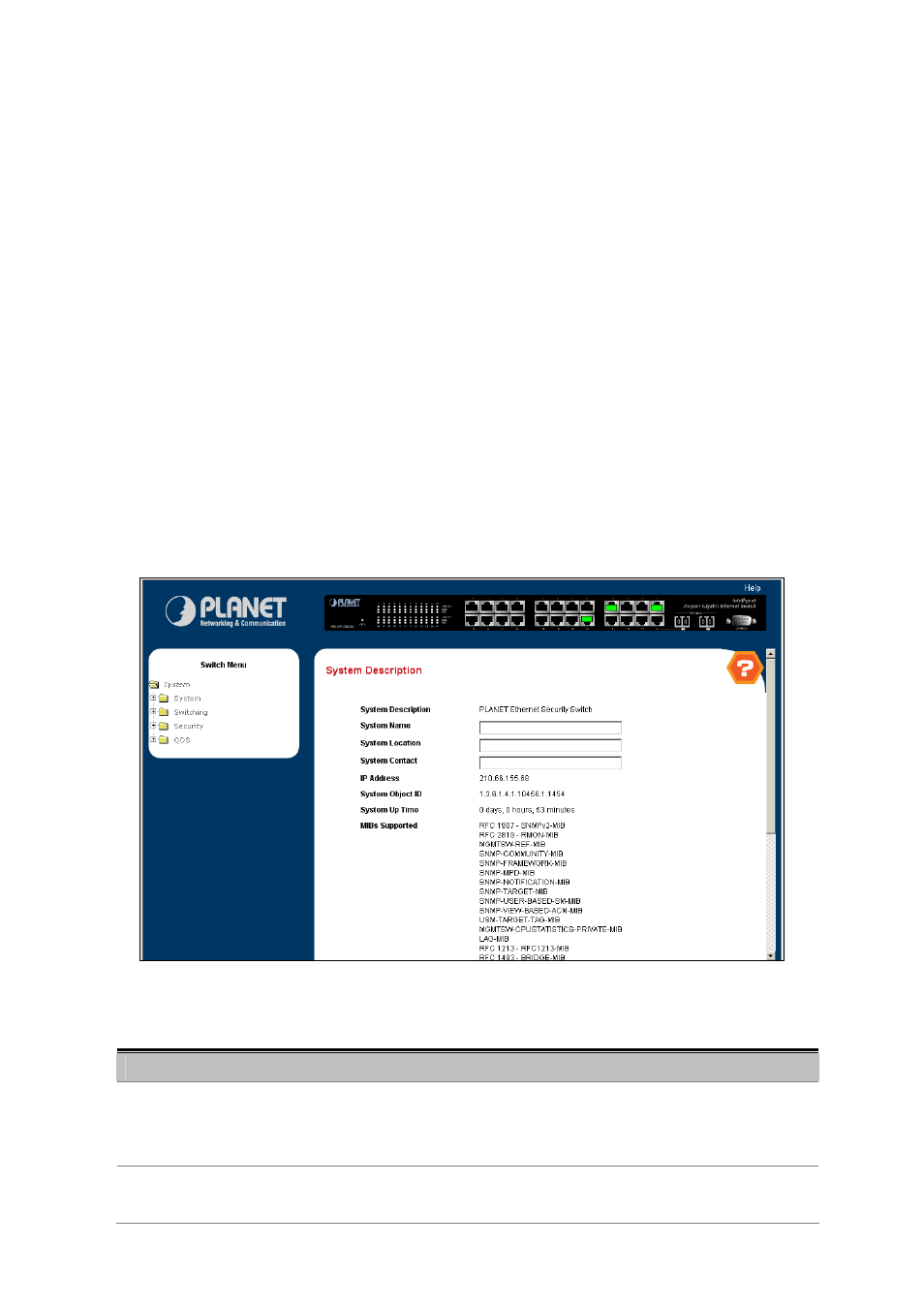
This page shows the basic system information and is available to define the system name, location and contact person.
Figure 4—2-3 System Description
The page includes the following fields:
Object
Description
• System Name -
Enter the name you want to use to identify this switch. You may use up to 31
alpha-numeric characters.
The factory default is blank.
• System Location -
Enter the location of this switch. You may use up to 31 alpha-numeric characters.
The factory default is blank.