PLANET WGS3-24240 User Manual
Page 312
User’s Manual of WGS3-24000 / WGS3-24240
312
• Expiry Time
The time in seconds before this entry will age out and be removed from the table.
• RPF Neighbor
The IP address of the Reverse Path Forwarding neighbor.
• Protocol
The multicast routing protocol which created this entry. The possibilities are:
• PIM-DM
• PIM-SM
• DVMRP
• Flags
The value displayed in this field is valid if the multicast routing protocol running is
PIMSM. The possible values are RPT or SPT. For other protocols an "------" is
displayed.
• Search button
Search the Mroute table for an entry matching the Source IP (if entered) and
Group IP address.
• Clear Route
Remove the data on the screen for the Source IP (if entered) and Group IP
address you have specified.
• Clear All
Remove all the data on the screen.
• Refresh
Refresh the information on the screen with the present state of the data in the
router.
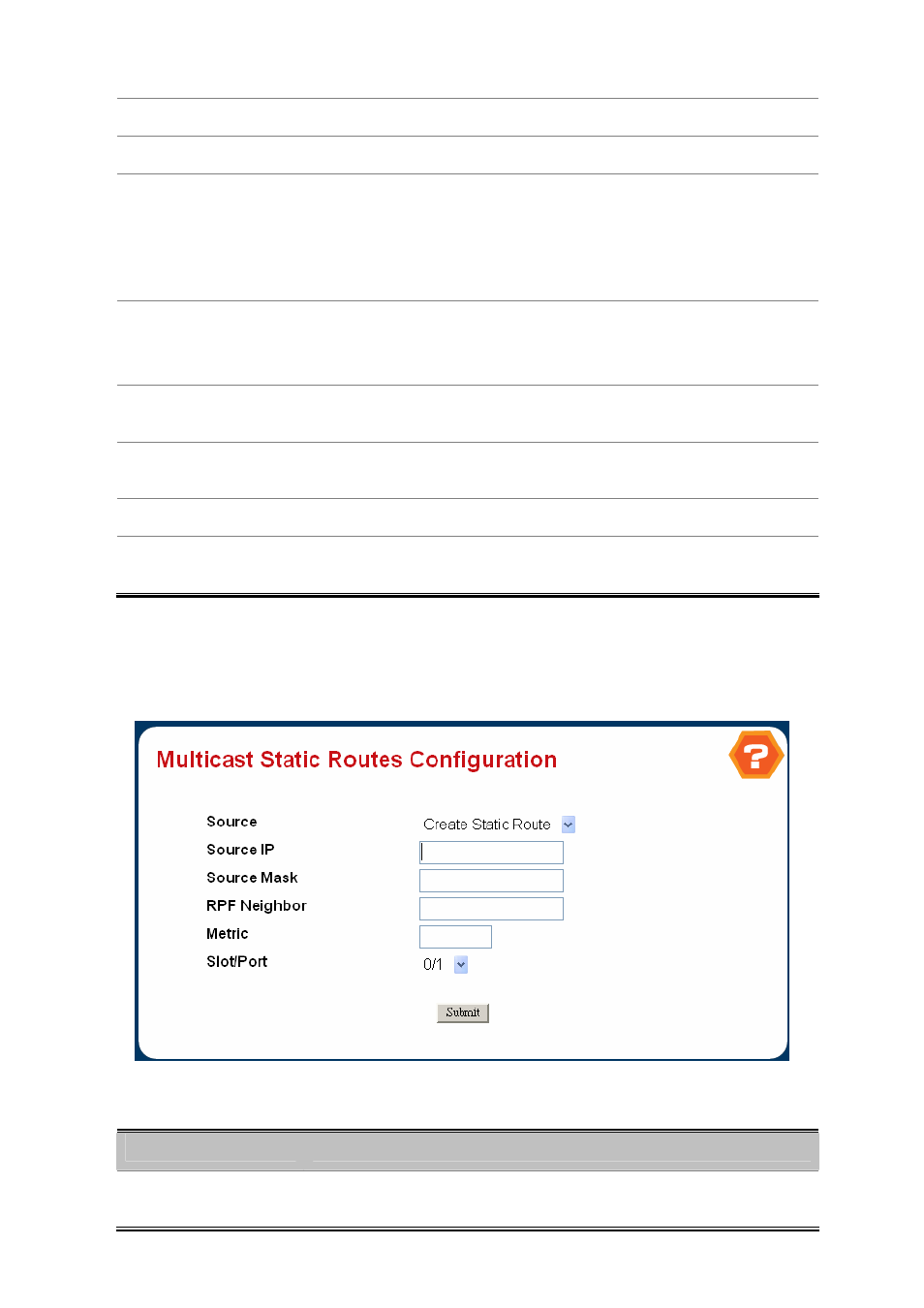
4.7.1.4 Multicast Static Routes Configuration
Figure 4-6-52 Multicast static Routes Configuration
Selection Criteria
Object
Description
• Source
Select Create Static Route to configure a new static entry in the Mroute table, or
select one of the existing entries from the pulldown menu.