PLANET WGS3-24240 User Manual
Page 244
User’s Manual of WGS3-24000 / WGS3-24240
244
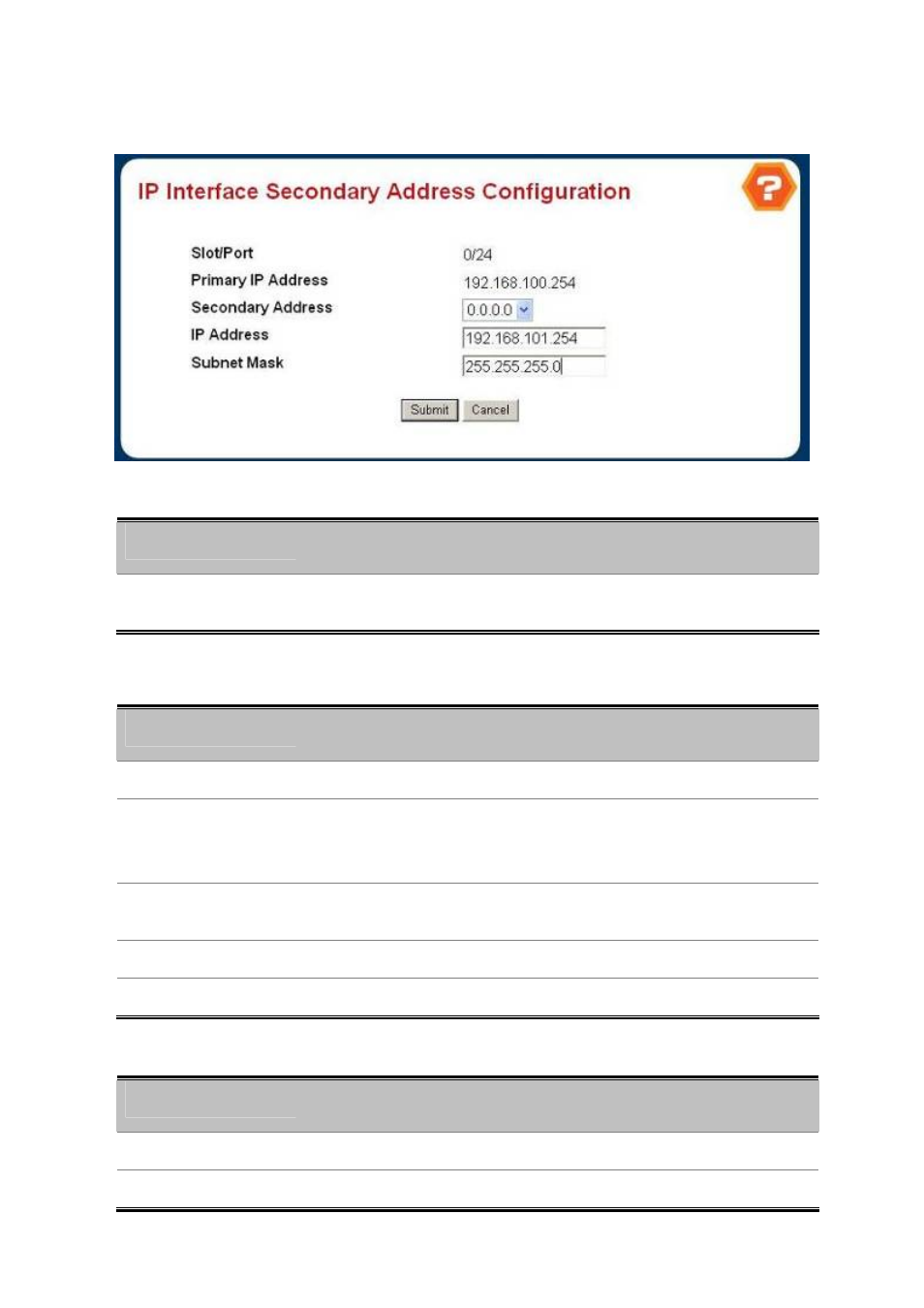
4.6.1.4 IP Interface Secondary Address Configuration
Figure 4-6-4 IP Interface Secondary Address Configuration
Selection Criteria
Object
Description
• Secondary Address
The IP Address for which data is to be displayed. Create must be selected to add
a secondary address to the interface.
Configurable Data
Object
Description
• IP Address
Enter the IP Address for the interface. This value is readonly once configured.
• Subnet Mask
Enter the subnet mask for the interface. This is also referred to as the
subnet/network mask, and defines the portion of the interface's IP Address that is
used to identify the attached network. This value is readonly once configured.
• Submit button
Update the switch with the values on this screen. If you want the switch to retain
the new values across a power cycle, you must perform a save.
• Delete button
Delete the IP Address from the interface.
• Cancel button
Return to the IP Interface Configuration screen.
Non-Configurable Data
Object
Description
• Slot/Port
The interface for which data is to be displayed or configured.
• Primary IP Address
The Primary IP Address for the Interface.