PLANET WGS3-24240 User Manual
Page 310
User’s Manual of WGS3-24000 / WGS3-24240
310
• Number Of Packets
For Which Source Not
Found
The number of multicast packets that were supposed to be routed but which
failed the RPF check.
• Number Of Packets
For Which Group Not
Found
The number of multicast packets that were supposed to be routed but for which
no multicast route was found.
• Protocol
The multicast routing protocol presently activated on the router, if any.
• Table Entry Count
The number of multicast route entries currently present in the Multicast route
table.
• Table Highest Entry
Count
The highest number of multicast route entries that have been present in the
Multicast route table.
• Submit button
Send the updated configuration to the router. Configuration changes take effect
immediately. These changes will not be retained across a power cycle unless a
save is performed.
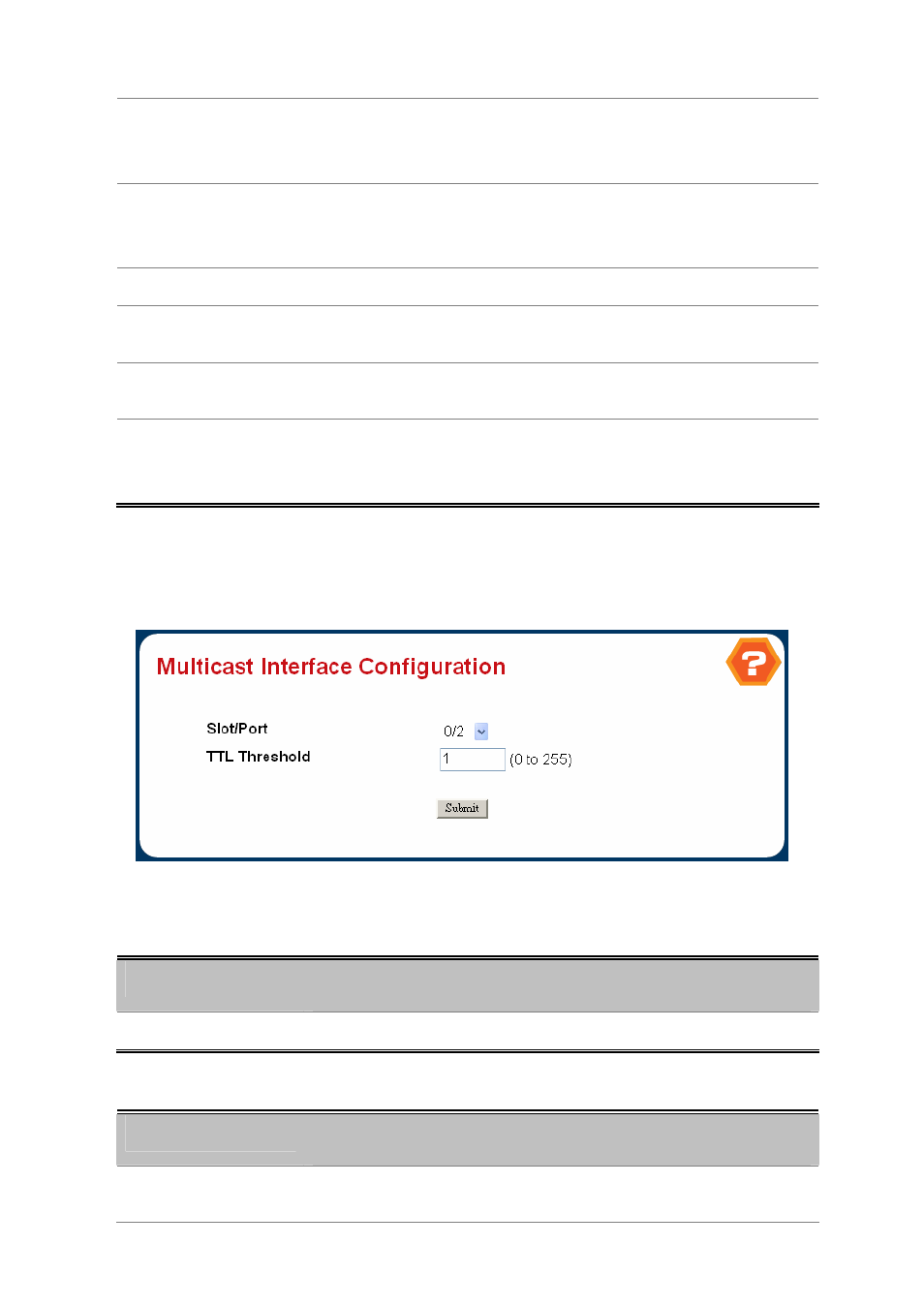
4.7.1.2 Multicast Interface Configuration
Figure 4-6-50 Multicast Interface Configuation
Selection Criteria
Object
Description
• Slot/Port
Select the routing interface you want to configure from the dropdown menu.
Configurable Data
Object
Description
• TTL Threshold
Enter the TTL threshold below which a multicast data packet will not be
forwarded from the selected interface. You should enter a number between 0 and