PLANET WGS3-24240 User Manual
Page 325
Advertising
User’s Manual of WGS3-24000 / WGS3-24240
325
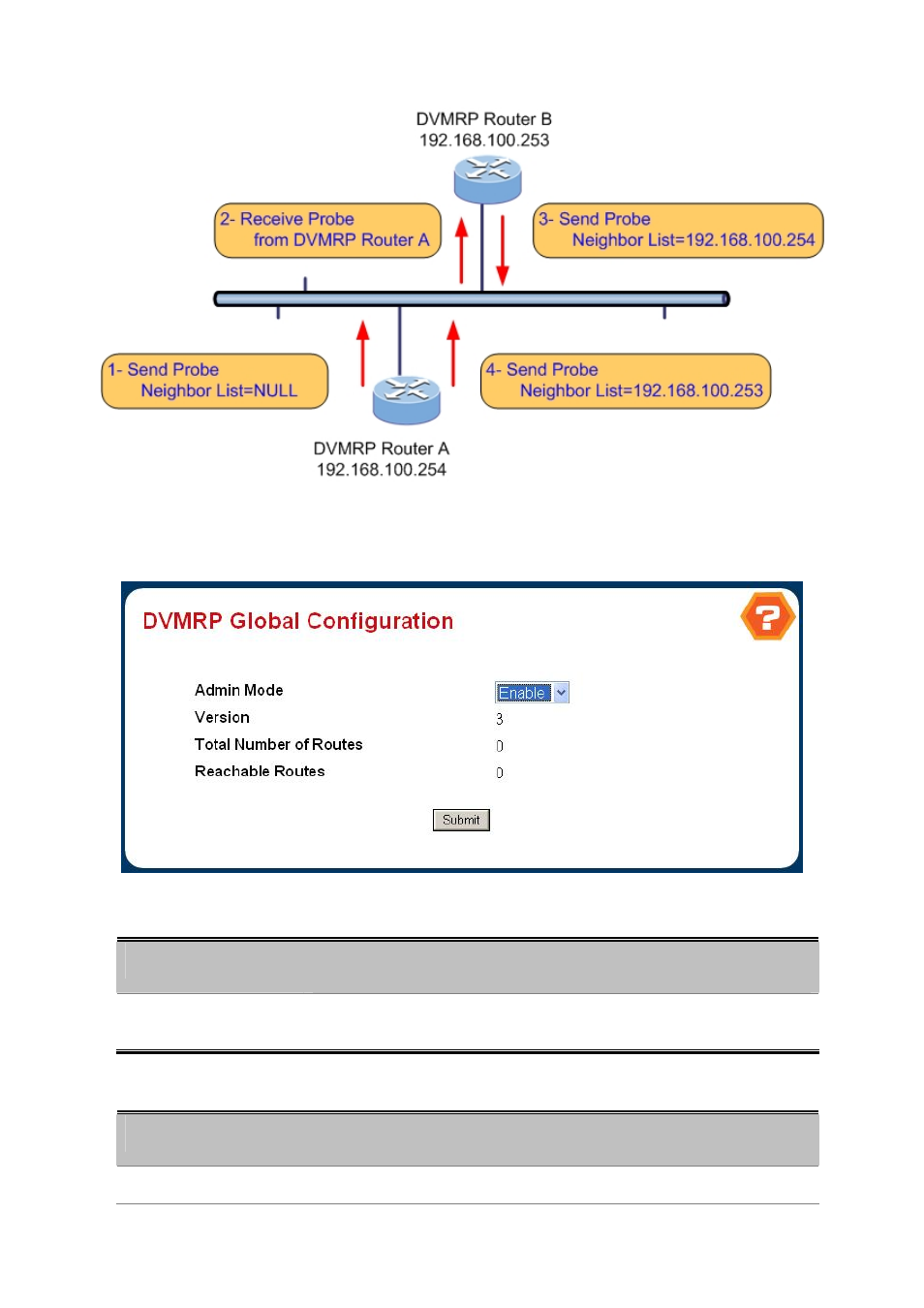
4.7.3.1 DVMRP Global Configuration
Figure 4-6-62 DVMRP Global Configuation
Configurable Data
Object
Description
• Admin Mode
Select enable or disable from the dropdown menu. This sets the administrative
status of DVMRP to active or inactive. The default is disable.
Non-Configurable Data
Object
Description
• Version
The current value of the DVMRP version string.
Advertising
This manual is related to the following products: